AI Storyboard Generator: Plan Your Shots Without Prompts
Turn a scene or a story into a multi-frame storyboard: a sequence of shots in one consistent style. No prompt writing and no drawing: describe what happens, and Promly boards it out frame by frame.
No credit card · 15 Pixels free on sign-up
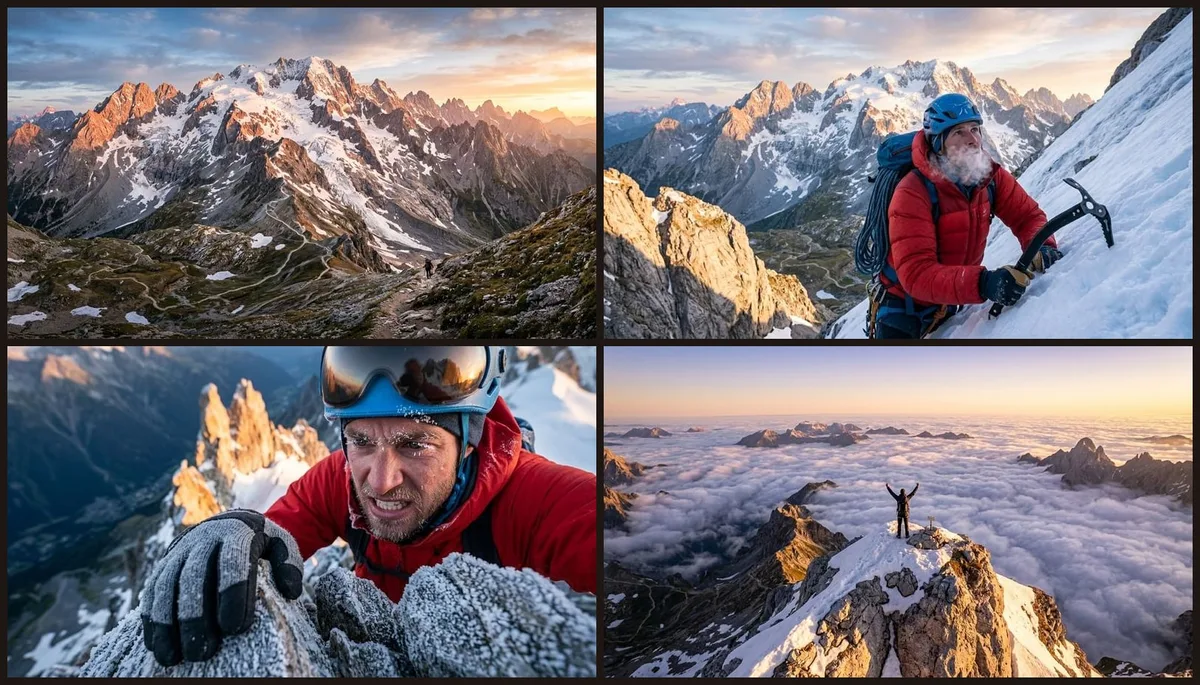
In short
What does Promly's AI Storyboard Generator make?
Promly's AI Storyboard Generator turns a scene or a story into 2, 4, 6 or 8 frames in one style. Promly splits the story into shots and writes a prompt for each frame; you can edit any of them, then generate the board. A four-frame board is 9 Pixels on the default model. With Pro, one button turns the frames into a film.
| You write | A scene or a short story, in plain words |
| You get | 2, 4, 6 or 8 frames (4 by default), each with its own shot type |
| Cost | 1 Pixel to split the story (free on a paid plan) + 2 a frame on GPT Image 2.5 |
| Film | On Pro, the frames become a video in one step |
| Free to start | 15 Pixels on sign-up, no credit card: a four-frame board |
| Rights | Yours, for personal or commercial use (Promly's Terms) |
Prices checked 26 October 2026. Other models cost 1–5 Pixels a picture. Pixel packs from $12 for 50 · plans from $7 a month for 30.
How it works
Three steps, zero prompt syntax
Describe your scene
Type the story or sequence in plain words: "a climber summits at sunrise" or a few beats of your ad. No syntax, no blank prompt box.
Pick a style and frames
Choose the look (cinematic, illustrated, photoreal) and how many frames you want in the sequence.
Generate the storyboard
Promly boards out the shots in one consistent style, ready to download and share with your team or client.
Why people use it
Board out a sequence in minutes
- A full multi-frame sequence. Get a series of shots that tell the story in order, not a single isolated image.
- One consistent style. The look, mood and characters stay coherent from the first frame to the last.
- No prompt skills, no drawing. Describe the action in plain words: Promly handles the prompt engineering and the art.
- Great for film, video and ads. Pitch an idea, plan a shoot, or pre-visualise a scene before you film it.
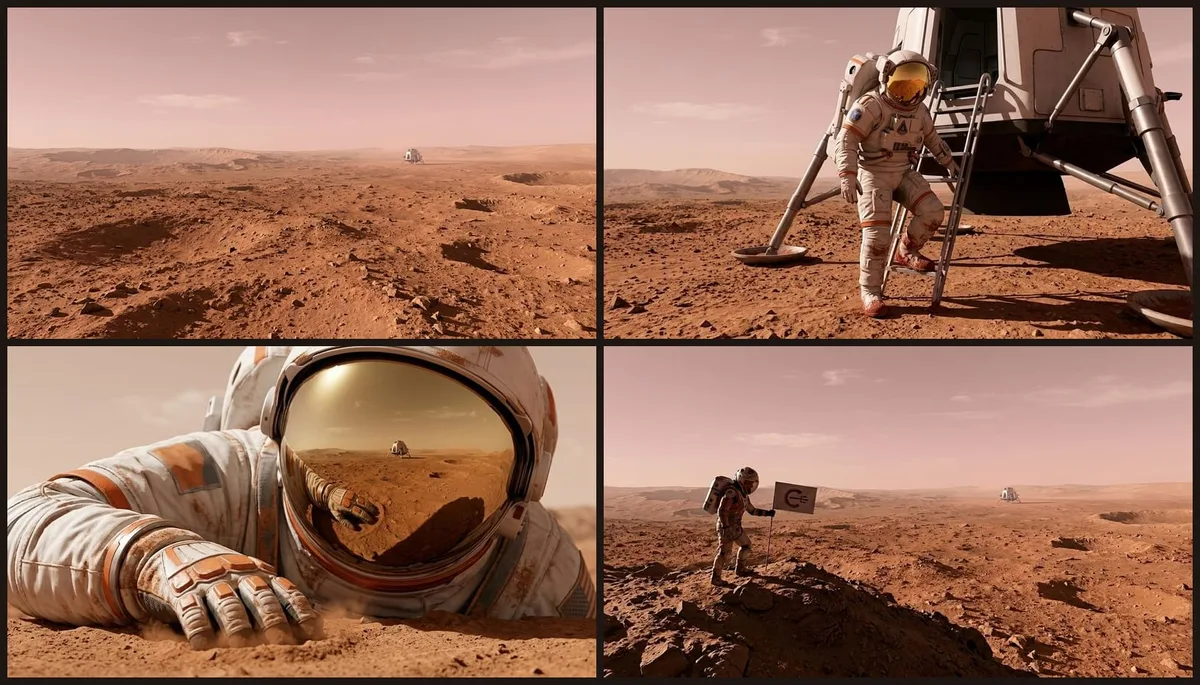
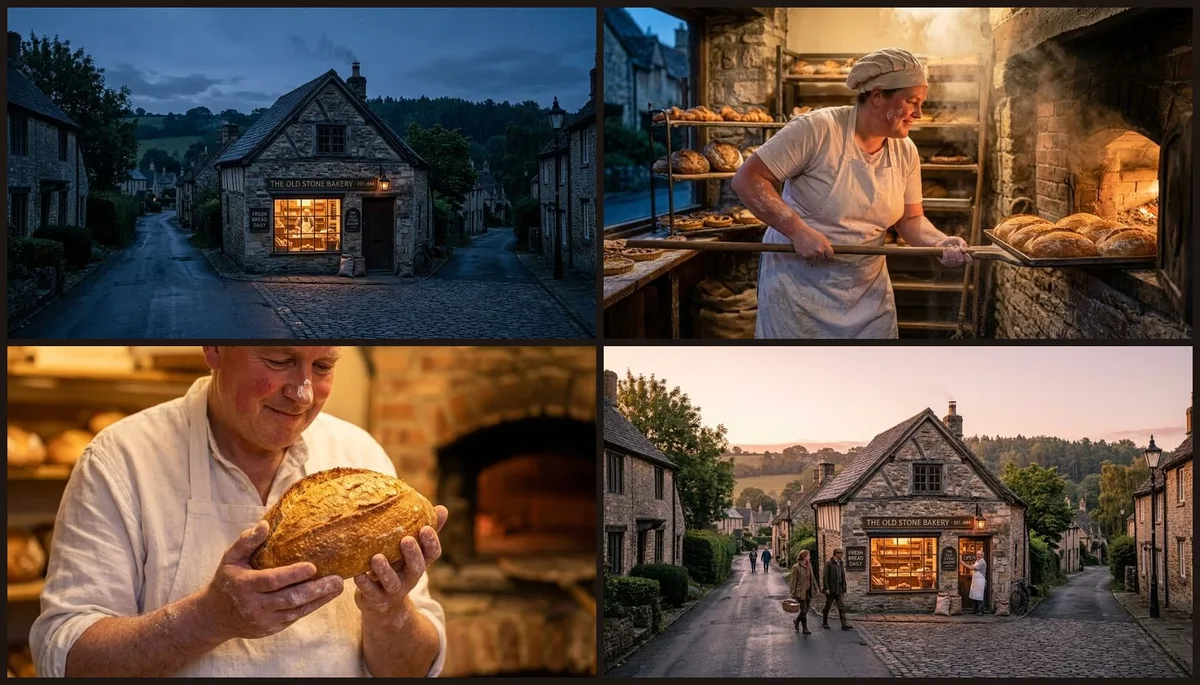
- Any genre or setting. Adventure, sci-fi, lifestyle, product. Just say the scene and the style.
- Free to start. 15 Pixels on sign-up, no credit card: enough to board your first sequence.
FAQ
Frequently asked questions
Do I need to know how to write prompts?
No. That's the whole point of Promly. You describe the scene in plain English and the Storyboard Kit builds the prompts for each frame. There's no prompt syntax to learn.
Will the frames look like one sequence?
Yes. Promly keeps a consistent style across the frames so the shots read as one storyboard rather than unrelated images.
Can I use it to plan a film or ad?
Yes. A storyboard is a fast way to pitch an idea, plan a shoot or pre-visualise a scene before you film it. Describe the beats and Promly boards them out.
Do I need drawing skills?
No. Promly generates the frames for you from your description: you only provide the story, not the artwork.
Is it free?
Free to start: 15 Pixels on sign-up, no credit card. Splitting your story into frames is 1 Pixel (free on a paid plan) and each frame is 2 Pixels on the default model, so a four-frame board is 9 Pixels. After that, Pixel packs start at 50 Pixels for $12 (they last 12 months), or plans at $7 a month for 30 Pixels.
How many frames can I make?
2, 4, 6 or 8 frames per board (4 by default). Promly suggests a shot type for each frame (wide, medium, close-up, over-the-shoulder, POV and more) and you can edit any frame before you generate.
Can I use what I make commercially?
Yes. Under Promly's Terms the images you generate are yours to use for any purpose, personal or commercial. The image models' own licence terms also apply.
Board your first sequence free
Describe the scene in plain English, pick a style, and get a multi-frame storyboard in one consistent look. 15 Pixels on sign-up, no credit card.
Start free · 15 PixelsExplore more
Other ways to create with Promly
All Promly tools and prices · Guide: Make a storyboard · AI Story Generator · AI Photo Variations Generator · AI Typography Generator · AI Reel Maker · AI Comic Generator · AI Portrait Generator · AI Infographic Generator · Compare AI Image Models