AI Portrait Generator — Studio-Quality Portraits Without Prompts
Turn a photo or a plain-English idea into polished portraits and headshots — the same recognisable you, in any setting or style. No prompt writing: describe the look, and Promly's People Kit does the rest.
No credit card · 15 Pixels free on sign-up
How it works
Three steps, zero prompt syntax
Add a photo or describe the person
Upload a clear photo or just describe who you want in the portrait. Plain words — no prompt box, no syntax.
Choose a look
Pick the setting and style in plain language — a studio headshot, a city backdrop, formal, candid, cinematic.
Generate your portraits
Promly creates polished portraits that keep the same face and identity — ready to download and use anywhere.
Why people use it
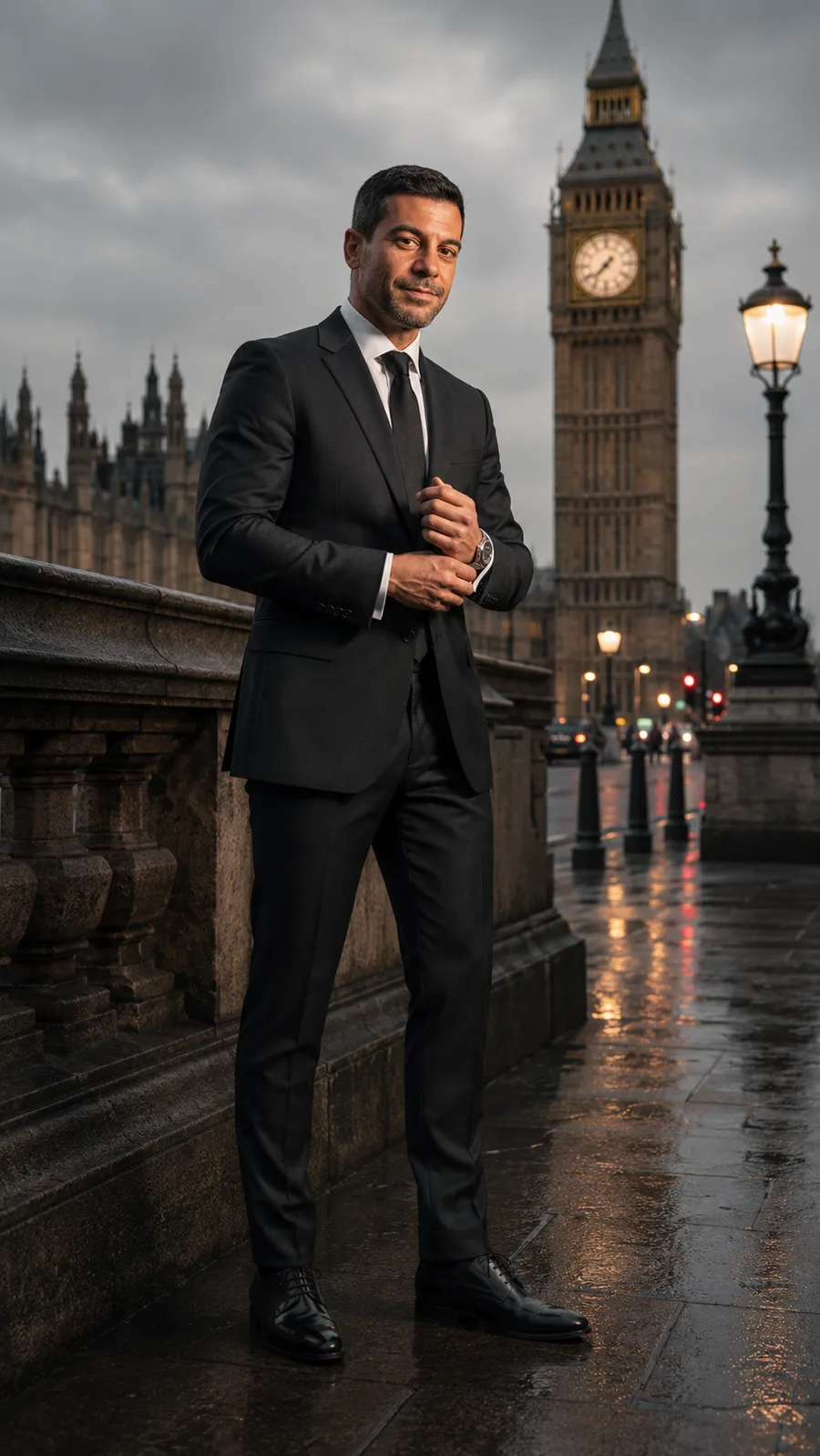
The same you — in any setting
- Your identity stays consistent. Promly's People Kit keeps the same face across every portrait — not a different person each time.
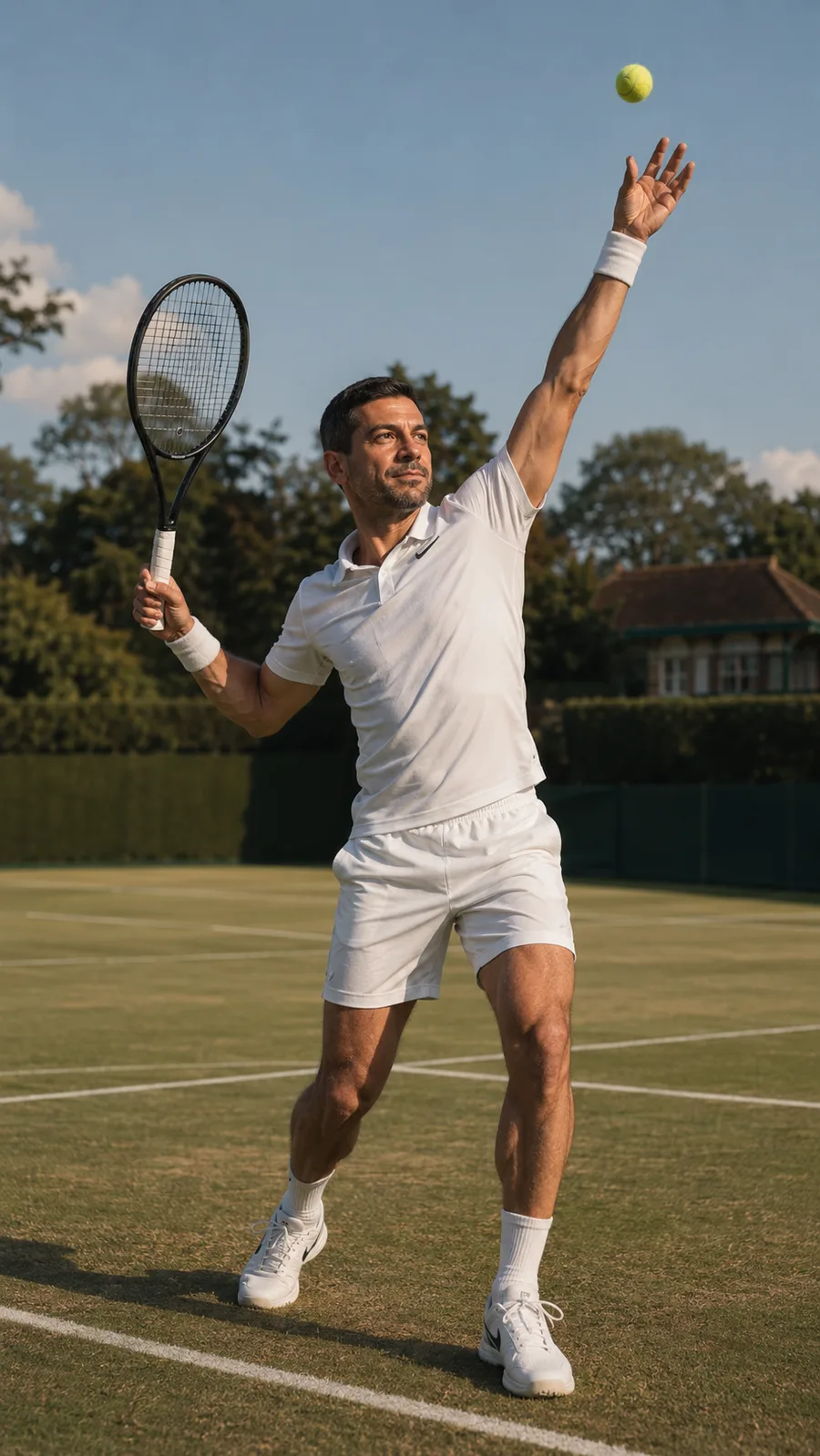
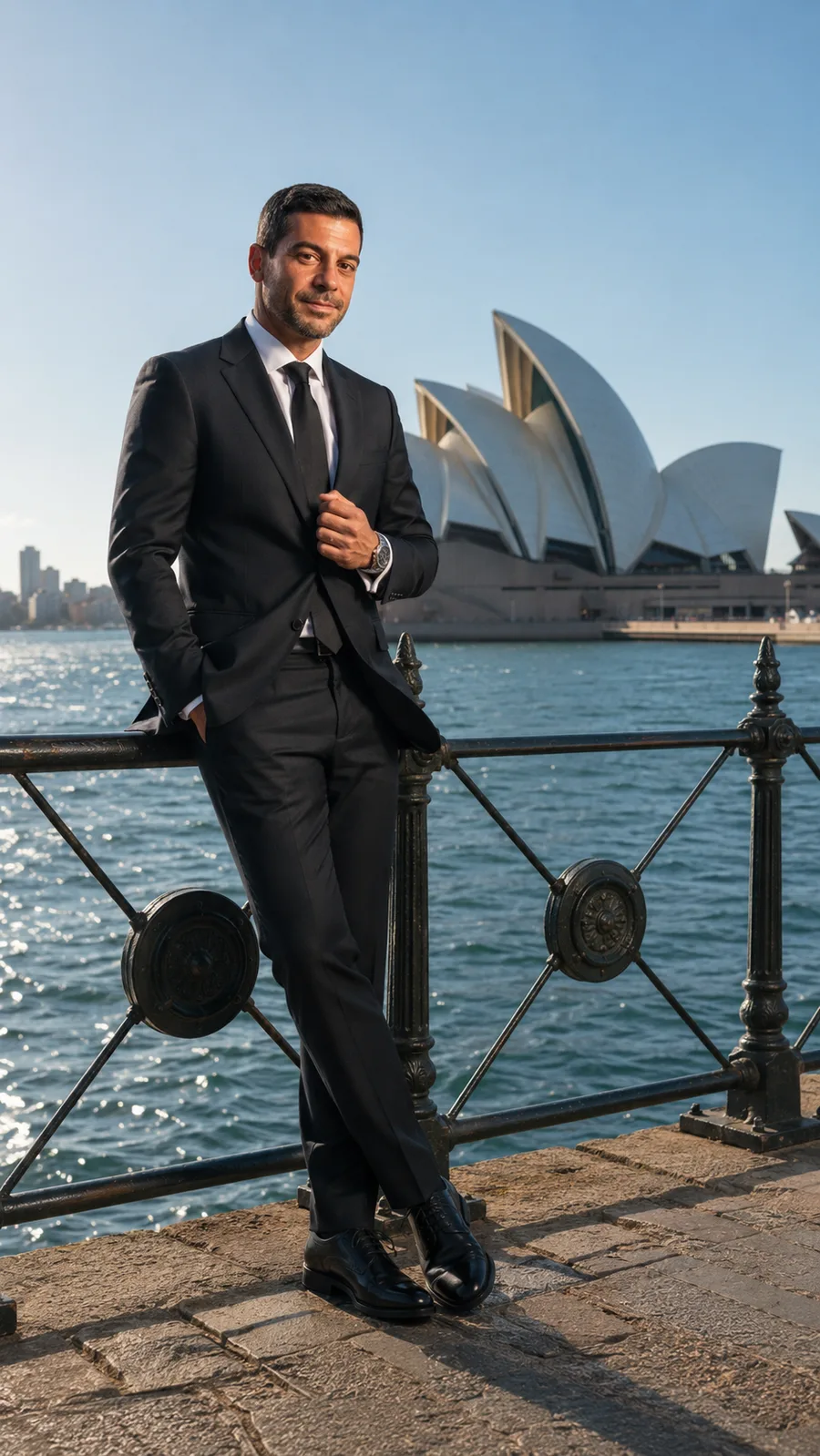
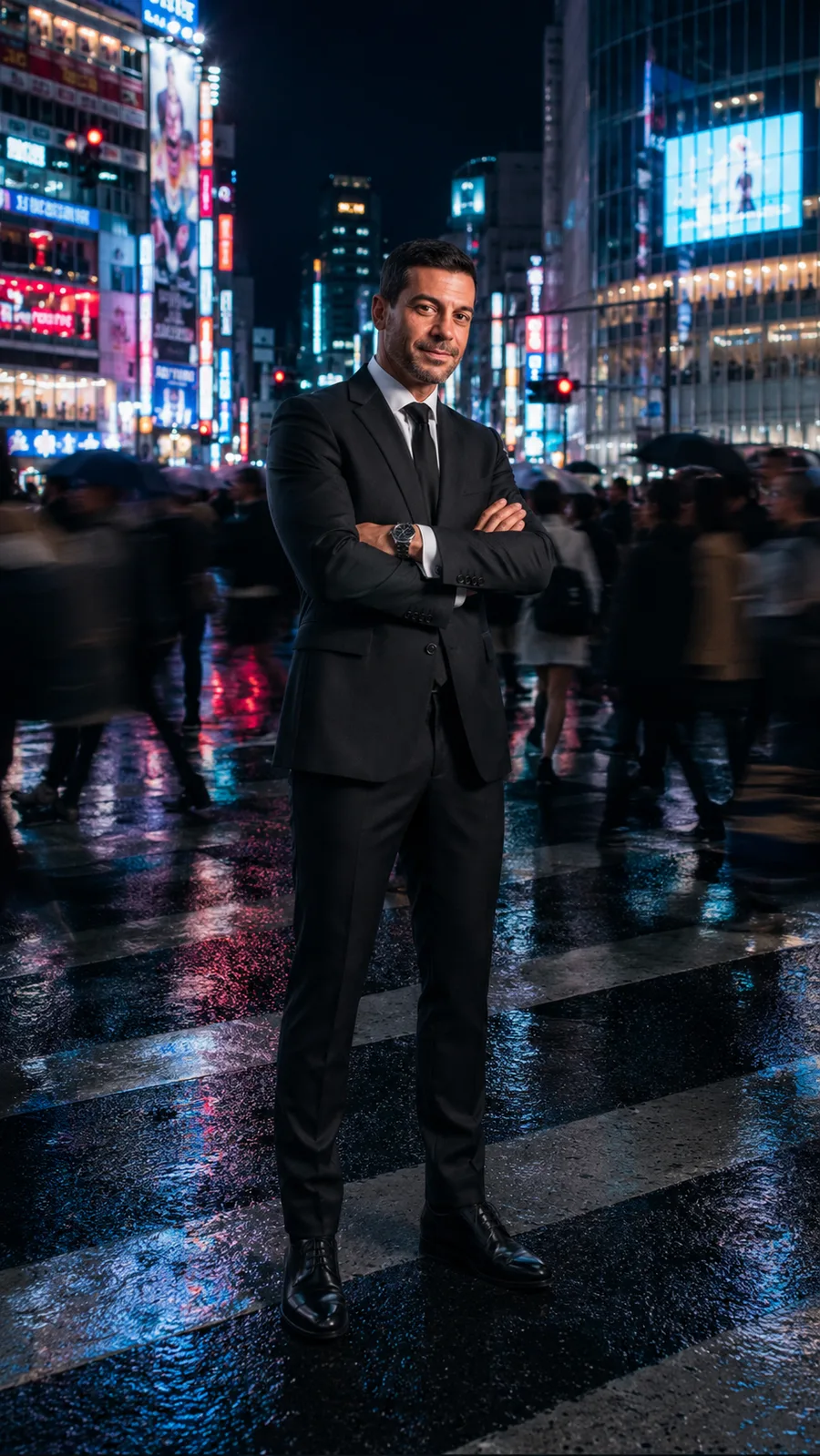
- Any setting or style. Studio headshot, city street, formal, outdoors, cinematic — just say where and how in plain words.
- No prompt skills needed. Describe the portrait like you'd tell a photographer — Promly handles the prompt engineering.
- Start from a photo or an idea. Upload a picture to keep your likeness, or build a character from a description.
- Great for headshots. Clean, professional portraits for a profile, a website, or a LinkedIn photo.
- Free to start. 15 Pixels on sign-up, no credit card — enough to make your first set of portraits.
FAQ
Frequently asked questions
Do I need to know how to write prompts?
No — that's the whole point of Promly. You describe the portrait you want in plain English and the People Kit builds the prompt for you. There's no prompt syntax to learn.
Can I make a portrait from my own photo?
Yes. Upload a clear photo and Promly keeps your likeness across the portraits it generates, so the result still looks like you in a new setting or style.
Will my face stay the same across portraits?
Yes. The People Kit is built around keeping one consistent identity, so the same face carries from a studio headshot to a city backdrop to a cinematic scene.
Can I use it for a professional headshot?
Yes. Describe a clean, professional look and Promly generates headshot-style portraits suitable for a profile photo, a website or LinkedIn.
Is it free?
You get 15 Pixels free when you sign up, with no credit card. That's enough to make your first set of portraits. Paid plans are available when you want more.
Make your first portraits free
Describe the look in plain English, or start from a photo, and get studio-quality portraits that still look like you. 15 Pixels on sign-up — no credit card.
Start free · 15 PixelsExplore more
Other ways to create with Promly
Guide: Make AI headshots · AI Story Generator · AI Photo Variations Generator · AI Typography Generator · AI Reel Maker · AI Sticker Maker · AI Comic Generator · AI Infographic Generator · Compare AI Image Models