Guide · Storyboard Kit
How to Make a Storyboard With AI — Plan Your Shots
Storyboarding a scene used to need a sketch artist or hours in a tool. With Promly you describe what happens — a climber summiting at sunrise, a product reveal, a few beats of your ad — and it boards out the shots in one consistent style. No prompts, no drawing. Here's how.
What you'll need
- A scene or story. A short sequence of beats — what happens, in order. Even a one-liner works to start.
- A free Promly account. 15 Pixels on sign-up, no credit card — enough to board your first sequence.
- No drawing and no prompt skills. Promly generates the frames from your description.
Make a storyboard in 5 steps
Open the Storyboard Kit
Sign in to Promly and choose the Storyboard Kit. A simple form — no prompt box, no syntax.
Describe your scene
Type the story or sequence in plain words — the beats you want to see, in order.
Pick a style and frames
Choose the look — cinematic, illustrated, photoreal — and how many frames the sequence should have.
Generate the storyboard
Promly boards out the shots in one consistent style, so the frames read as a single sequence.
Download and share
Download the board and share it with your team or client — to pitch, plan a shoot, or pre-visualise a scene.
Why "no prompts" makes storyboarding fast
The hard part of an AI storyboard is coherence: prompt each frame separately and the style, characters and lighting drift, so the shots look like unrelated images instead of one sequence.
Promly's Storyboard Kit is built around the sequence. You describe the beats; it handles the prompting for each frame and holds a consistent look across all of them — so the board reads as one continuous scene you can actually plan a shoot from.
The point of a storyboard: see the whole sequence before you commit. It's the cheapest way to test an idea, align a team, and catch problems before the camera rolls.
Storyboards made with Promly
Each of these is a multi-frame sequence generated from a short plain-English description — one consistent style across every shot:
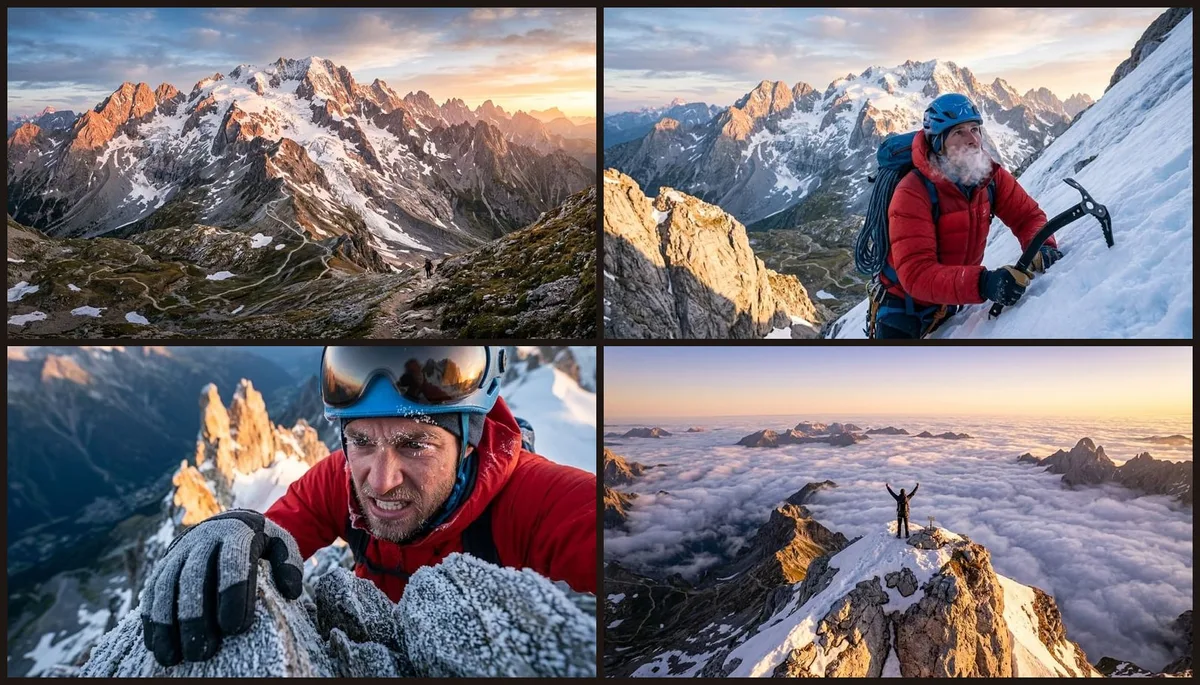

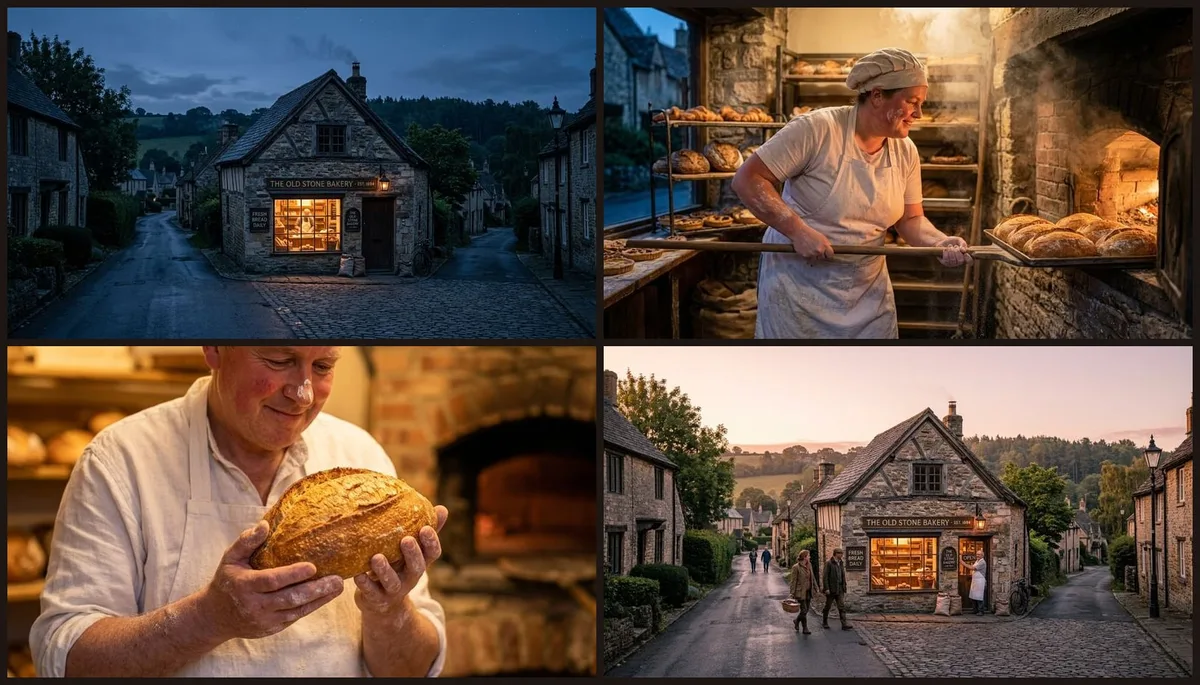
Multi-frame sequences · one consistent style each · from a plain-English description.
Tips for a better storyboard
- Write it as beats. "Wide establishing shot → close-up → action → resolution" gives the board a clear arc.
- Name the style once. "Cinematic, moody" or "bright, illustrated" keeps every frame coherent.
- Keep each beat to one action. One clear moment per frame reads better than a crowded shot.
- Iterate a frame if needed. Re-run a single beat that didn't land instead of the whole board.
What AI storyboards are great for
Pitching a film, ad or video idea; planning a shoot shot-by-shot; pre-visualising a scene before you commit budget; or lining up a sequence for a comic or animation. It's the fast, cheap way to see a story before you make it.