AI Photo Variations Generator — One Subject, Many Consistent Shots
Describe one subject and Promly generates a cohesive set of variations — different angles, lighting and compositions, all matching. No prompt writing: say what you want once and get a whole set back.
No credit card · 15 Pixels free on sign-up
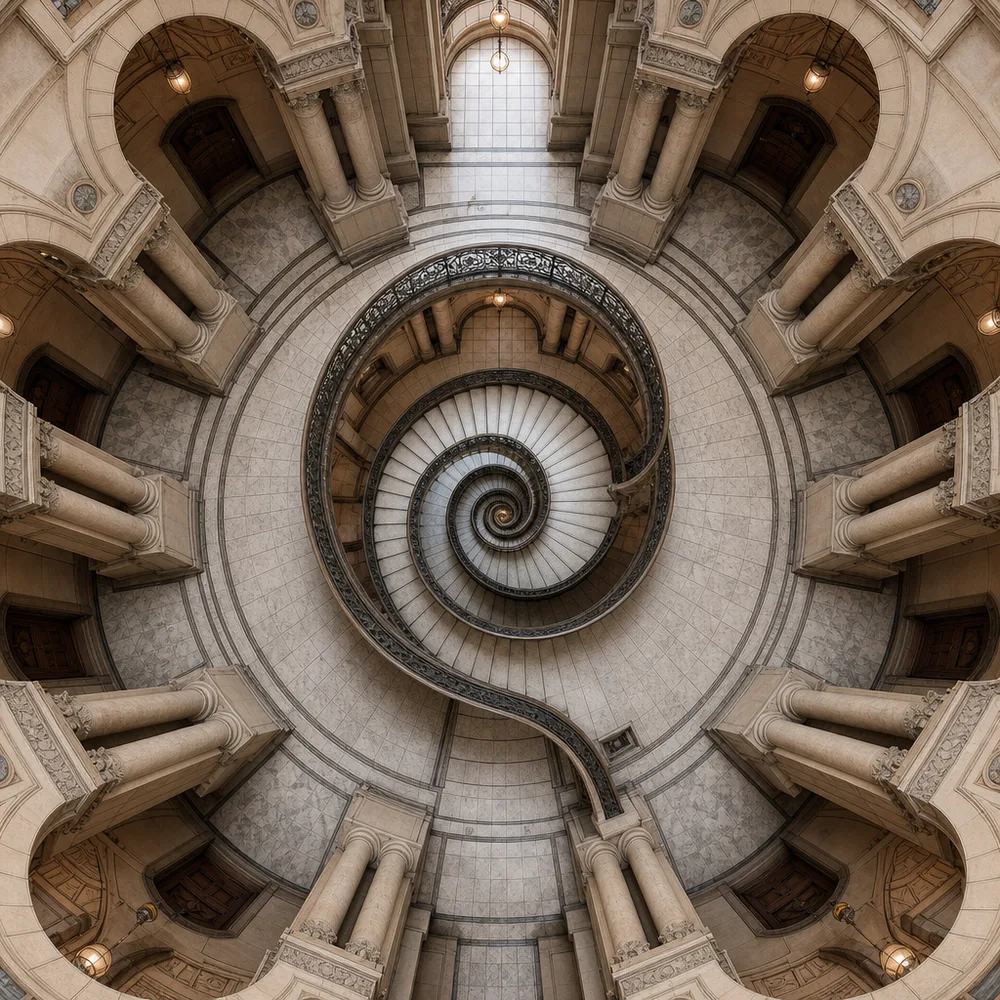
How it works
Three steps, zero prompt syntax
Describe your subject
A building, a product, a character, a scene — describe it once in plain words, or start from a photo.
Promly builds a set
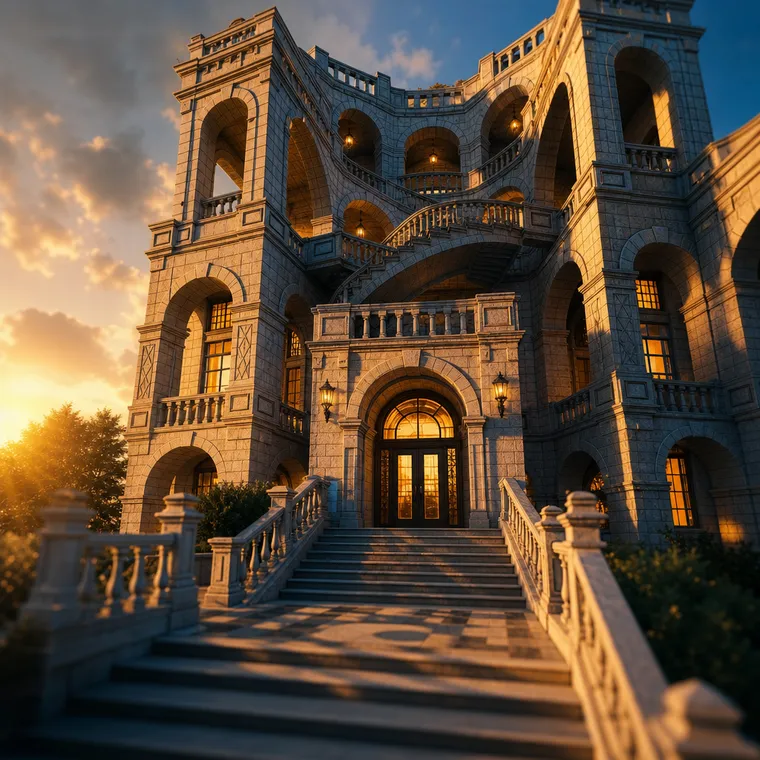
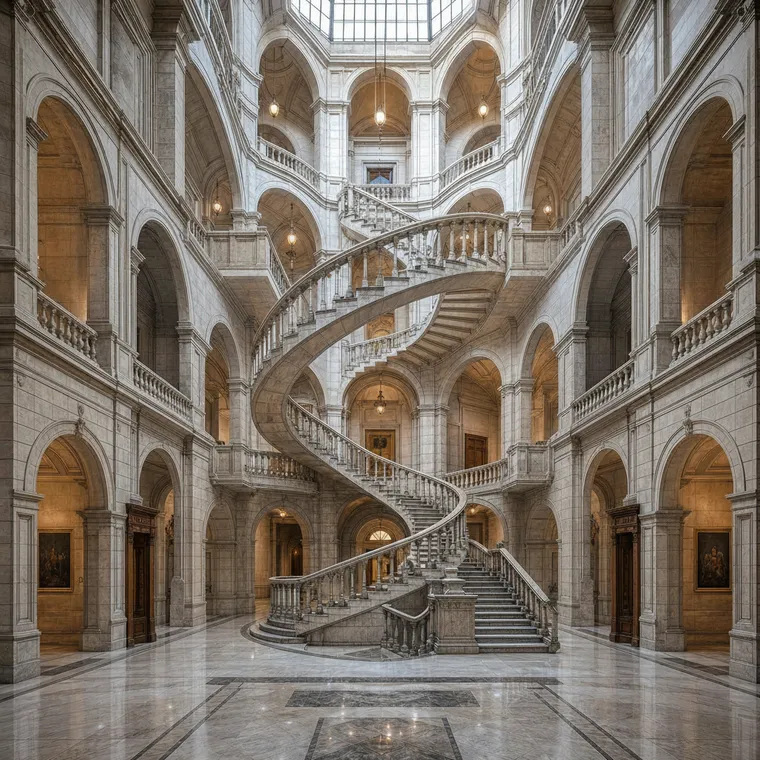
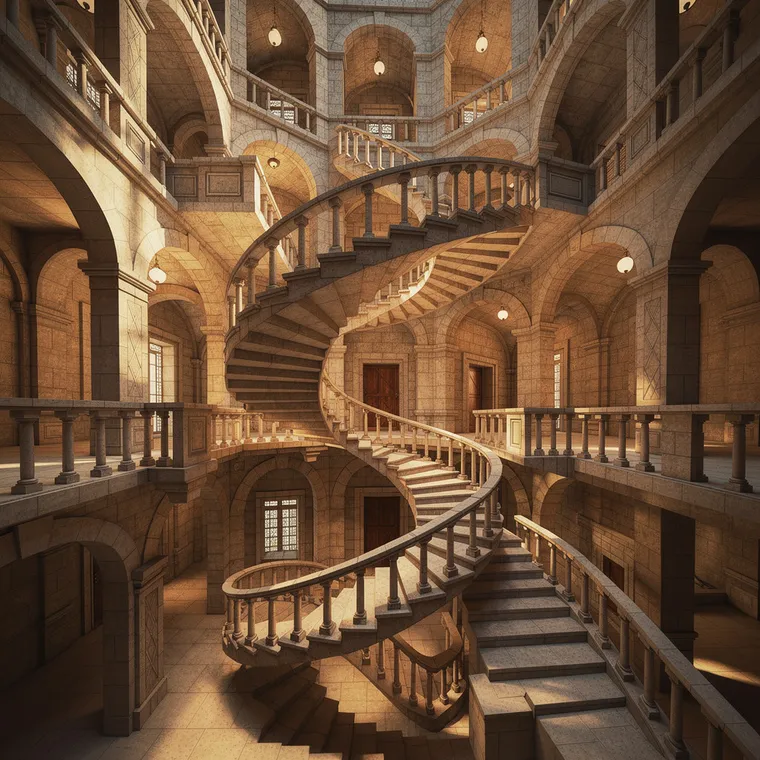
The Stage Kit generates a cohesive set of variations — different angles, lighting and compositions, all of the same subject.
Pick your favourites
Keep the shots that work, re-roll the ones that don't, and download the set. Same subject, every angle covered.
Why people use it
A matching set, not one lucky shot
- No prompt skills needed. Describe the subject like you'd tell a friend — Promly's Stage Kit handles the prompt engineering behind the scenes.
- One subject, many angles. Aerial, eye-level, wide, close — explore every viewpoint of the same thing in one go.
- Consistent across the set. The style and subject stay coherent, so the shots look like one shoot — not random unrelated images.
- Explore lighting & composition. Golden hour, dramatic interior, clean studio — try looks side by side without starting over.
- Start from a photo or an idea. Upload a reference or just describe the subject in plain language.
- Free to start. 15 Pixels on sign-up, no credit card — enough to make your first set.
FAQ
Frequently asked questions
Do I need to know how to write prompts?
No — that's the whole point of Promly. You describe your subject in plain English and the Stage Kit builds the prompts for you. There's no prompt syntax to learn.
What is a "set of variations"?
It's a group of images of the same subject from different angles, lighting and compositions — generated together so they stay consistent and read as one cohesive set.
Can I use my own photo?
Yes. Start from a photo or from a description. Promly keeps the subject consistent across the set, so every variation looks like the same thing.
What can I use it for?
Anything that needs a subject shown more than one way — product shots from several angles, a location or building in different light, a character in varied poses, or concept options to choose between. See our guide on making AI product photos.
Is it free?
You get 15 Pixels free when you sign up, with no credit card. That's enough to make your first set right away. Paid plans are available when you want more.
Make your first set free
Describe one subject in plain English and Promly returns a cohesive set of variations — every angle, lighting and composition covered. 15 Pixels on sign-up, no credit card.
Start free · 15 PixelsExplore more
Other ways to create with Promly
Guide: Make AI product photos · AI Portrait Generator · AI Story Generator · AI Typography Generator · AI Reel Maker · AI Storyboard Generator · Compare AI Image Models · Community gallery