AI Infographic Generator: Turn a Topic Into a Poster
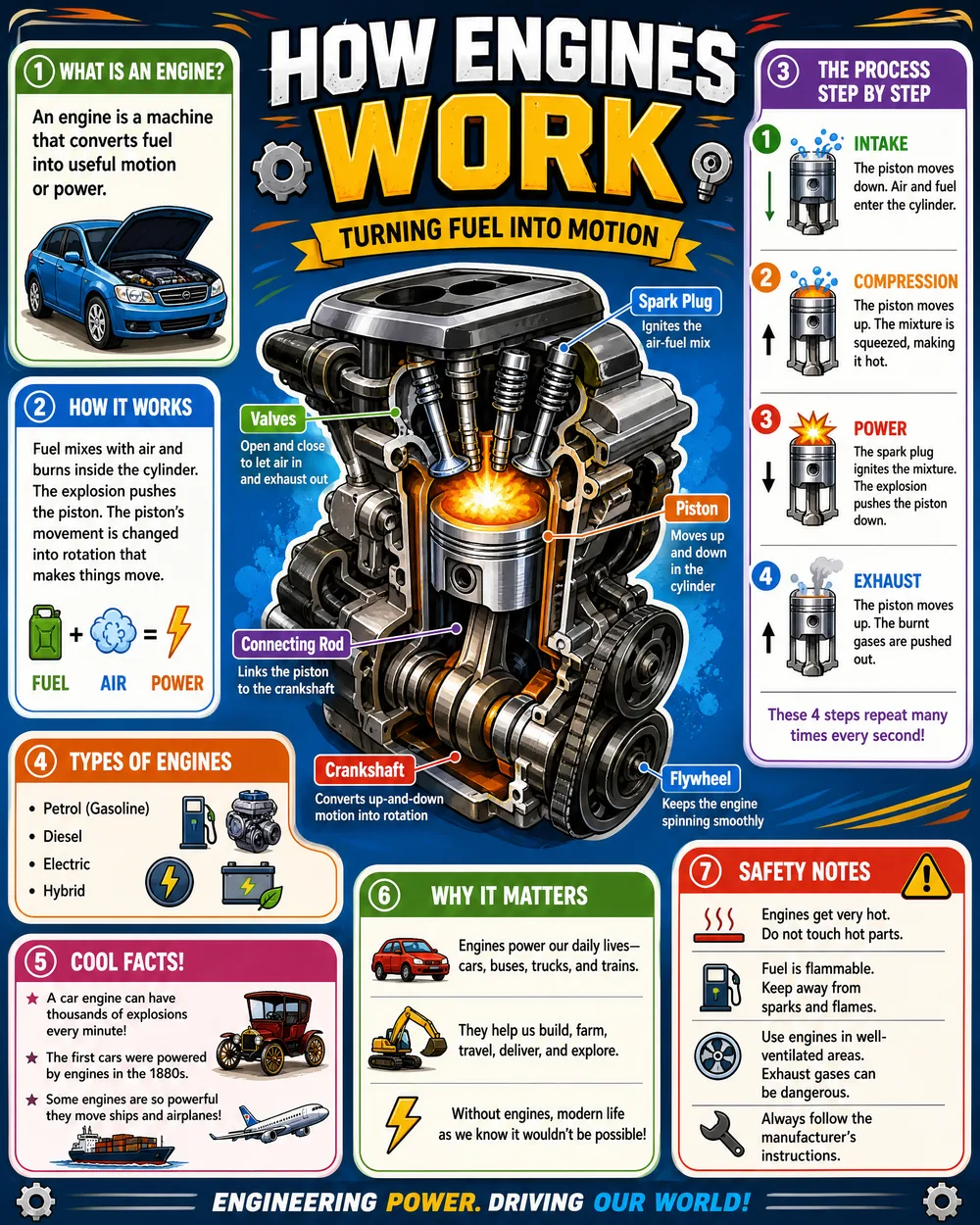
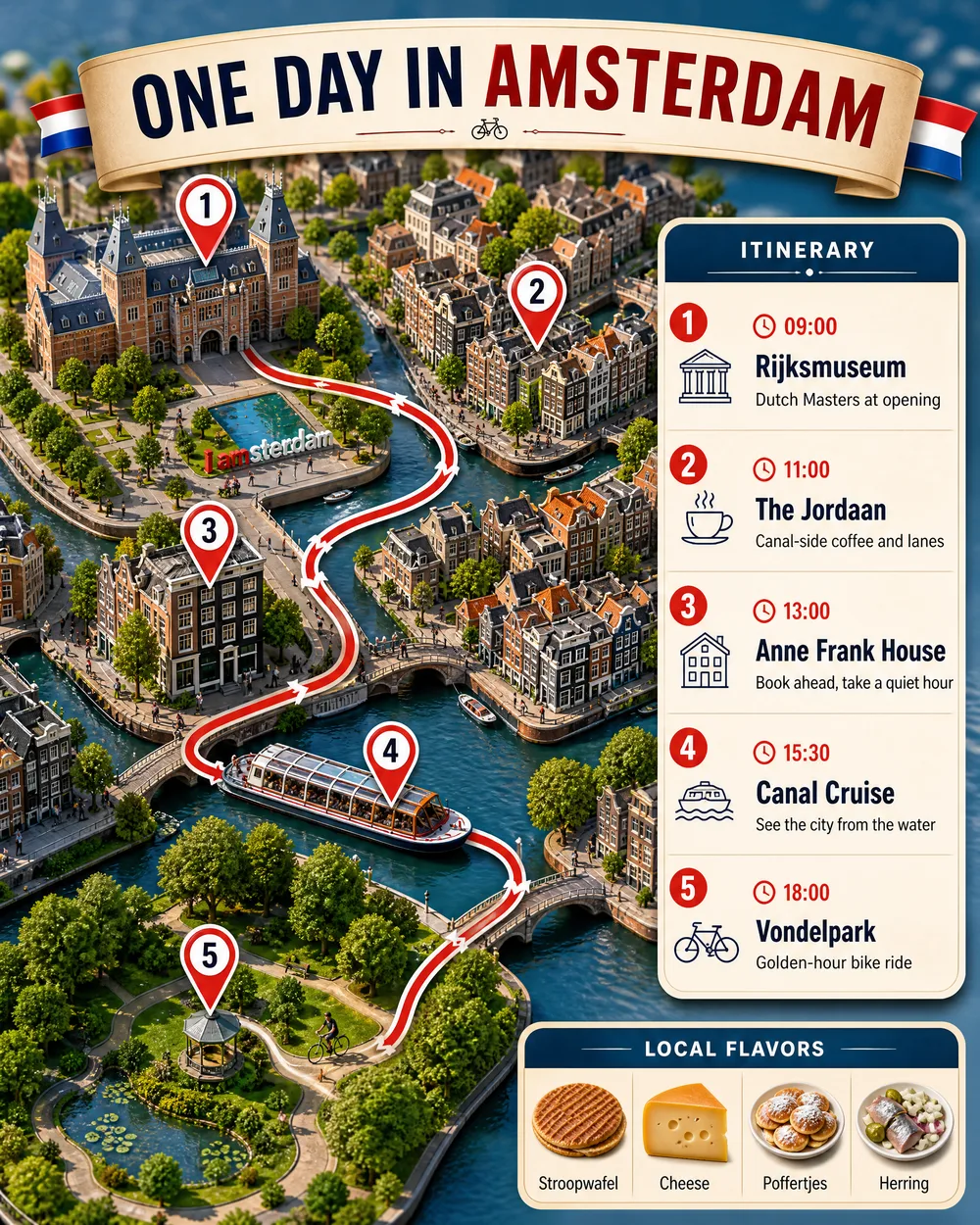
Give Promly a topic, a person or a place and it writes the content and lays out a clean, structured infographic poster: no prompts, no design software. From "how engines work" to a one-day city guide, you just say the subject.
No credit card · 15 Pixels free on sign-up
In short
What does Promly's AI Infographic Generator make?
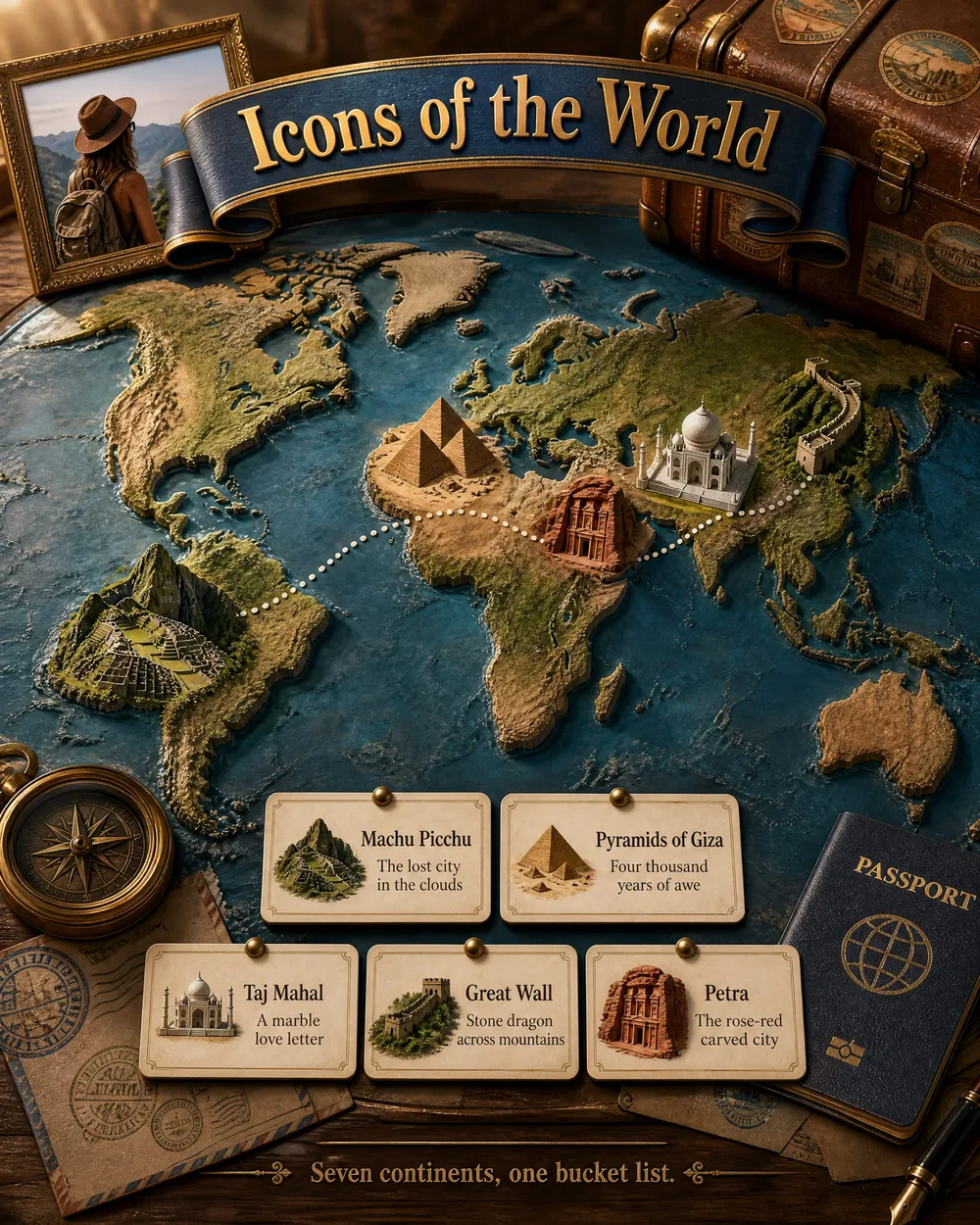
Promly's AI Infographic Generator turns a topic, a person or a place into a finished poster: Promly writes the text and lays it out. There are ten kinds: educational, life story, travel, city guide, recipe, birthday, holiday, technical cutaway, food breakdown and vehicle diagram. A poster is 2 Pixels on GPT Image 2.5.
| You type | A topic, a person or a place; Promly drafts the facts |
| You get | One poster per model you pick, text written and laid out for you |
| Kinds of poster | Educational · Life story · Travel · City guide · Recipe · Birthday · Holiday · Technical cutaway · Food breakdown · Vehicle diagram |
| Cost | 2 Pixels a poster on GPT Image 2.5 · 3 for print quality (4K) |
| Check before you print | AI can get facts wrong; read the text against a source |
| Free to start | 15 Pixels on sign-up, no credit card |
| Rights | Yours, for personal or commercial use (Promly's Terms) |
Prices checked 26 October 2026. Other models cost 1–5 Pixels a picture. Pixel packs from $12 for 50 · plans from $7 a month for 30.
How it works
Three steps, zero prompt syntax
Pick what to make
An educational poster, a travel guide, a city day-plan, a life story or a tribute: choose the kind of infographic you want.
Give it a topic
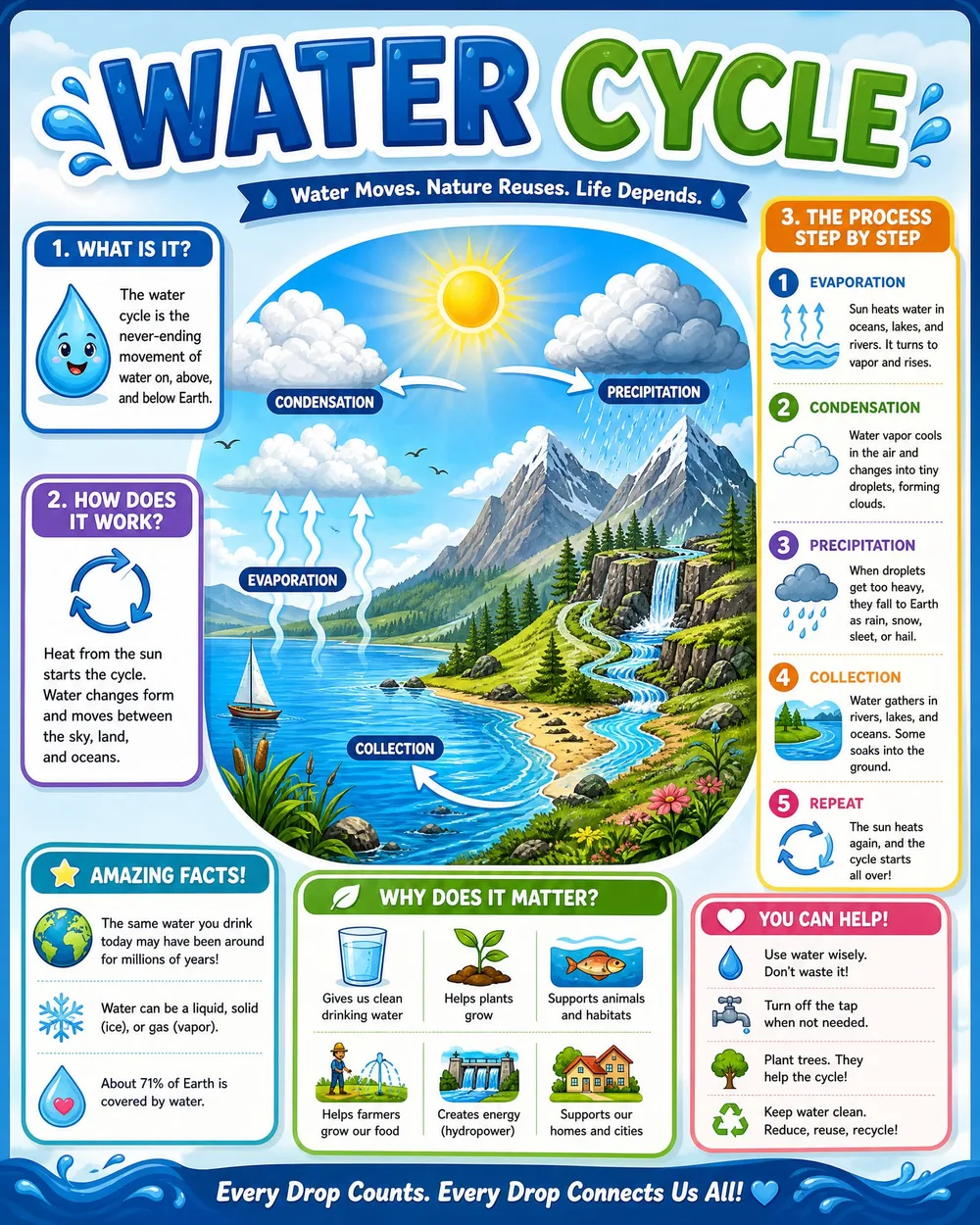
Type the subject in plain words: "the water cycle", "one day in Amsterdam", a person's life. Add a few details if you like.
Generate the poster
Promly writes the content, organises it into sections, and designs a finished poster you can download and share.
Why people use it
Posters that write themselves
- It writes the content for you. Give a topic and Promly drafts the facts, steps and captions: you don't start from a blank page.
- Structured, readable layout. Clear sections, headings and icons: the look of a designed poster, without design software.
- Many kinds of poster. Educational explainers, travel and city guides, life stories and tributes: all from one Kit.
- No prompt skills needed. Describe the subject like you'd tell a friend: Promly handles the prompt engineering behind the scenes.
- From a single topic. One line is enough to get a full, organised poster back.
- Free to start. 15 Pixels on sign-up, no credit card: enough to make your first poster.
FAQ
Frequently asked questions
Do I need to know how to write prompts?
No. That's the whole point of Promly. You name a topic in plain English and the Infographic Kit writes and designs the poster for you. There's no prompt syntax to learn.
Does it write the text, or do I have to?
Promly writes it. Give it a subject like "the water cycle" or "one day in Amsterdam" and it drafts the facts, steps and captions, then lays them out for you.
What kinds of infographic can I make?
Educational explainers, travel and city guides, life stories and tributes. You pick the type, give a topic, and Promly builds the matching poster.
Can I make a poster about a person?
Yes. The life-story and tribute formats turn a person's milestones and details into a structured commemorative poster.
Is it free?
Free to start: 15 Pixels on sign-up, no credit card. A poster is one image per model you pick: 2 Pixels on GPT Image 2.5, 3 for print quality (4K). After that, Pixel packs start at 50 Pixels for $12 (they last 12 months), or plans at $7 a month for 30 Pixels.
Can I use what I make commercially?
Yes. Under Promly's Terms the images you generate are yours to use for any purpose, personal or commercial. The image models' own licence terms also apply.
Make your first poster free
Name a topic, person or place in plain English, and get a structured infographic poster: written and designed for you. 15 Pixels on sign-up, no credit card.
Start free · 15 PixelsExplore more
Other ways to create with Promly
All Promly tools and prices · Guide: Make an infographic · AI Story Generator · AI Photo Variations Generator · AI Typography Generator · AI Reel Maker · AI Portrait Generator · AI Sticker Maker · AI Comic Generator · Compare AI Image Models