AI Product Photo Generator: Studio Product Shots Without a Studio
Upload a phone photo of your product and say where it should be: Promly's Edit Kit keeps the product and changes the scene. No photo yet? Describe the product and the Stage Kit makes a matching set. No lightbox, no prompt writing.
No credit card · 15 Pixels free on sign-up
In short
How does Promly make product photos?
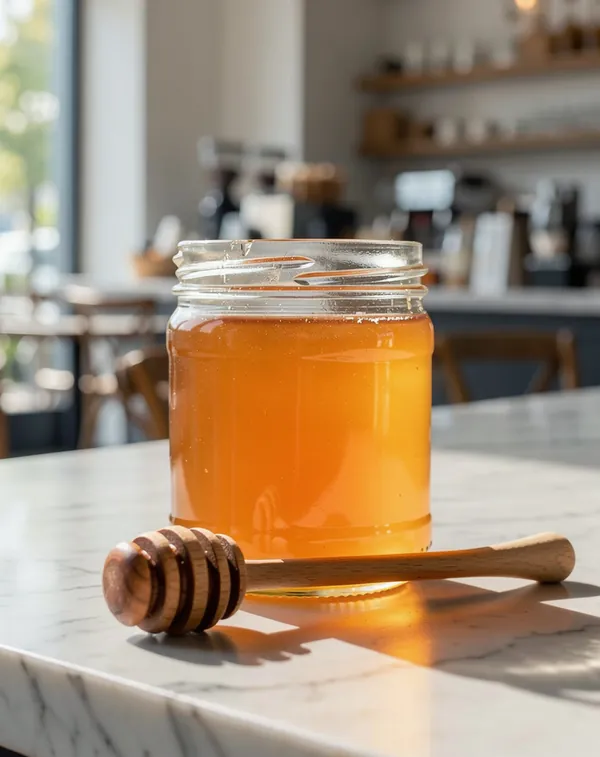
Upload one photo of your product and type where it should be (“on a white marble café counter in morning light”) and Promly's Edit Kit puts the same product in that scene. Each new scene is one edit: 2 Pixels on the default model, 3 on Flux 3. Check the label and the shape against the real product before you list it.
| You upload | One clear photo of the product; a phone snapshot is enough |
| You type | Where it should be, in one sentence |
| You get | One new scene per edit, in the photo's frame or 1:1, 4:5 or 9:16 |
| Kits | Edit Kit (from your photo) · Stage Kit (a matching set from a description) |
| Cost | 2 Pixels a shot on GPT Image 2.5 · 3 on Flux 3, used for the examples below |
| Free to start | 15 Pixels on sign-up, no credit card: five to seven shots |
| Rights | Yours, for personal or commercial use (Promly's Terms) |
Prices checked 26 October 2026. Other models cost 1–5 Pixels a picture. Pixel packs from $12 for 50 · plans from $7 a month for 30.
A real example
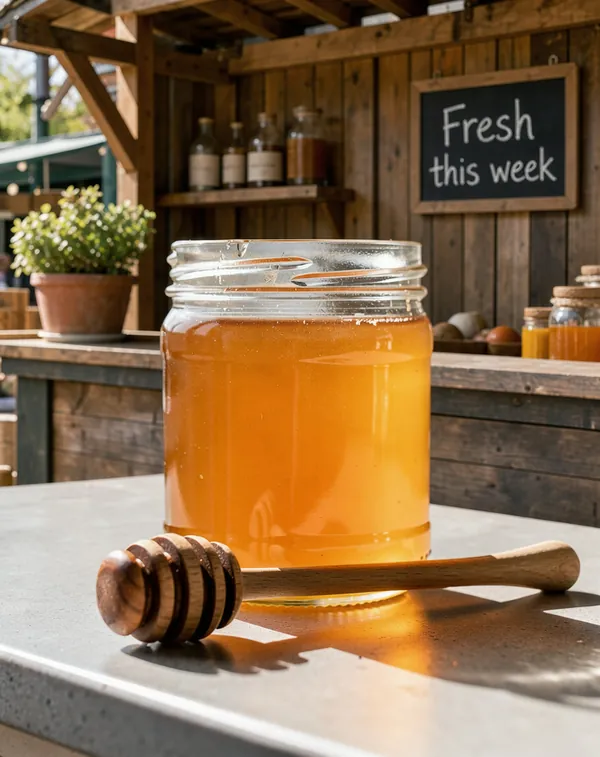
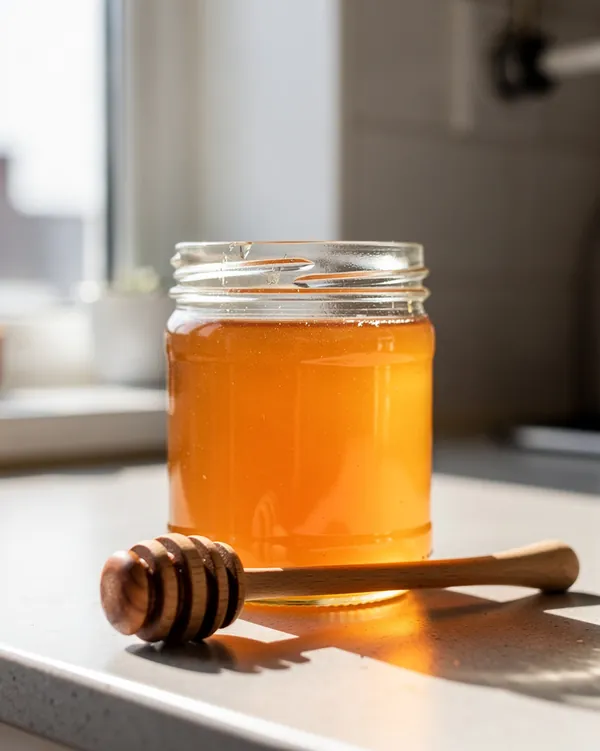
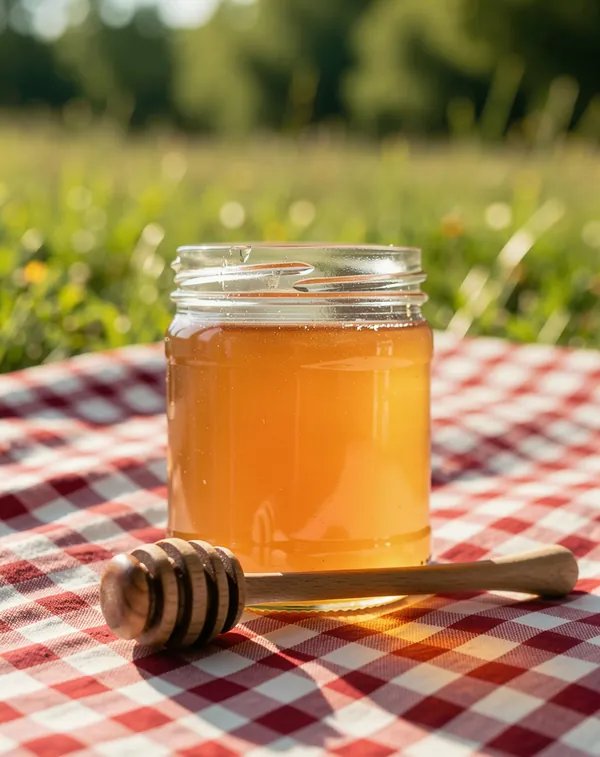
One product photo, four sentences
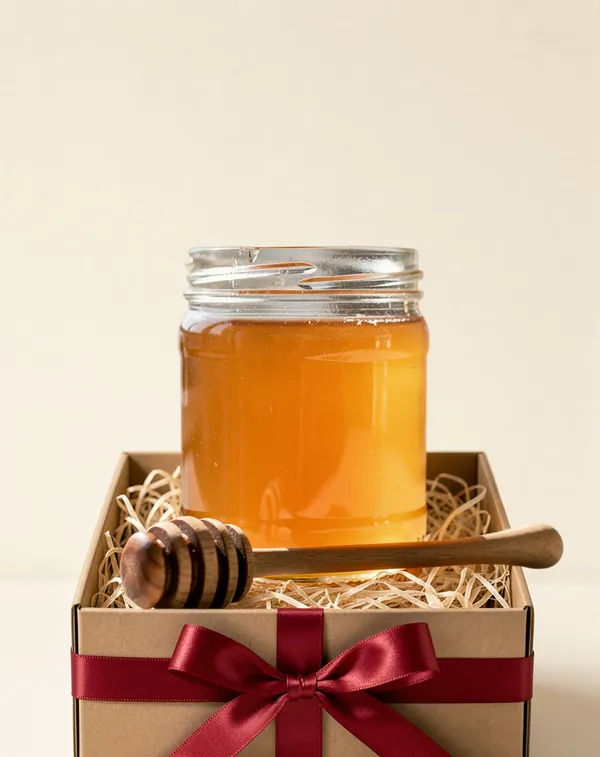
Made in Promly on 24 October 2026: the Edit Kit (Restyle) on Flux 3, 3 Pixels a shot, one typed sentence each. The jar is a Promly-made stand-in for your own product photo.
How it works
Three steps, no studio gear
Add your product
Upload a photo of your product or just describe it in plain words. A clear phone snapshot is enough: no lightbox or softbox needed.
Choose the setting
Pick a background and style in plain language: a clean white backdrop, a marble surface, a lifestyle scene, soft studio lighting.
Generate your product shots
Promly creates clean, consistent product-shot options for your store, listings or ads: check the product details in the shot, then download and upload.
Why people use it
Listing-ready shots, no photographer
- Made for listings. Clean product shots for your Shopify, Etsy or Amazon listings, your website and your ads: check the label, shape and parts in the shot against the real thing before you publish.
- Any background or scene. White studio, marble, wood, a lifestyle setting or a seasonal backdrop. Just say it in plain words.
- A consistent set. Get matching shots across angles and scenes so a whole listing looks cohesive, not pieced together.
- No studio or gear. Skip the lightbox, softbox and tripod: a single phone photo of your product is enough to start.
- No prompt skills needed. Describe the shot like a creative brief and Promly handles the prompt engineering.
- Free to start. 15 Pixels on sign-up, no credit card: enough to shoot your first product set.
FAQ
Frequently asked questions
Do I need to know how to write prompts?
No. That's the whole point of Promly. You describe the shot you want in plain English and the Edit Kit (or the Stage Kit) builds the prompt for you. There's no prompt syntax to learn.
Can I use my own product photo?
Yes. That is the main way to use it. Upload a clear photo in the Edit Kit and describe the new scene in one sentence; Promly keeps your product and changes what is around it. You can also start from a written description in the Stage Kit.
What backgrounds and scenes can I make?
A clean white studio backdrop, marble or wood surfaces, lifestyle settings, seasonal scenes and more. Name the look in plain words and Promly applies it.
Are these good for Amazon, Etsy or Shopify listings?
Yes. You get clean product shots you can upload to your store or marketplace. Check that the label, shape, colour and included parts match the product you actually ship, and check each marketplace's image guidelines for size and background rules.
Is it free?
Free to start: 15 Pixels on sign-up, no credit card. Each new scene is one edit: 2 Pixels on the default model (GPT Image 2.5) or 3 on Flux 3, so the free Pixels make five to seven shots. After that, Pixel packs start at 50 Pixels for $12 (they last 12 months), or plans at $7 a month for 30 Pixels.
Which model is best for product photos?
The examples on this page were made with Flux 3 (3 Pixels a shot); GPT Image 2.5 (2 Pixels) is the default. You can run the same sentence on two models and keep the better shot.
Can I use what I make commercially?
Yes. Under Promly's Terms the images you generate are yours to use for any purpose, personal or commercial. The image models' own licence terms also apply.
Shoot your first product set free
Start from a snapshot or a plain-English idea and get clean, listing-ready product photos in any setting. 15 Pixels on sign-up, no credit card.
Start free · 15 PixelsExplore more
Other ways to create with Promly
All Promly tools and prices · Guide: Make AI product photos · AI Photo Variations Generator · AI Background Changer · AI Photo Editor · AI Portrait Generator · Compare AI Image Models · Community gallery