

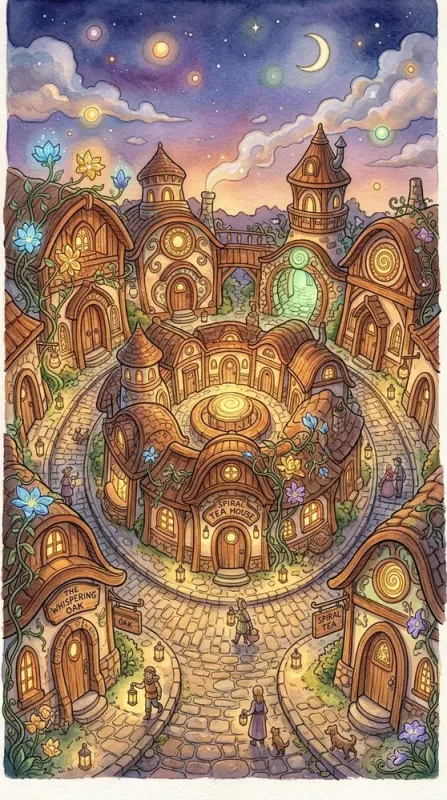


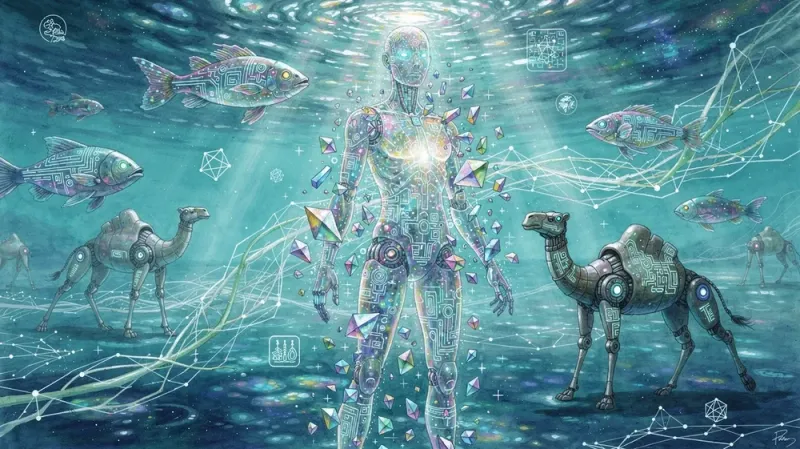
Say it plainly.
Get something great.
Images, video & reels from a plain-English ask — describe it, Promly builds it. Your ideas, all in one studio.
NewTurn any image into a video — up to 30 seconds with sound, FLUX 3 Video & Seedance 2.5 →No credit card · Instant access


Pick a format. Describe your idea.
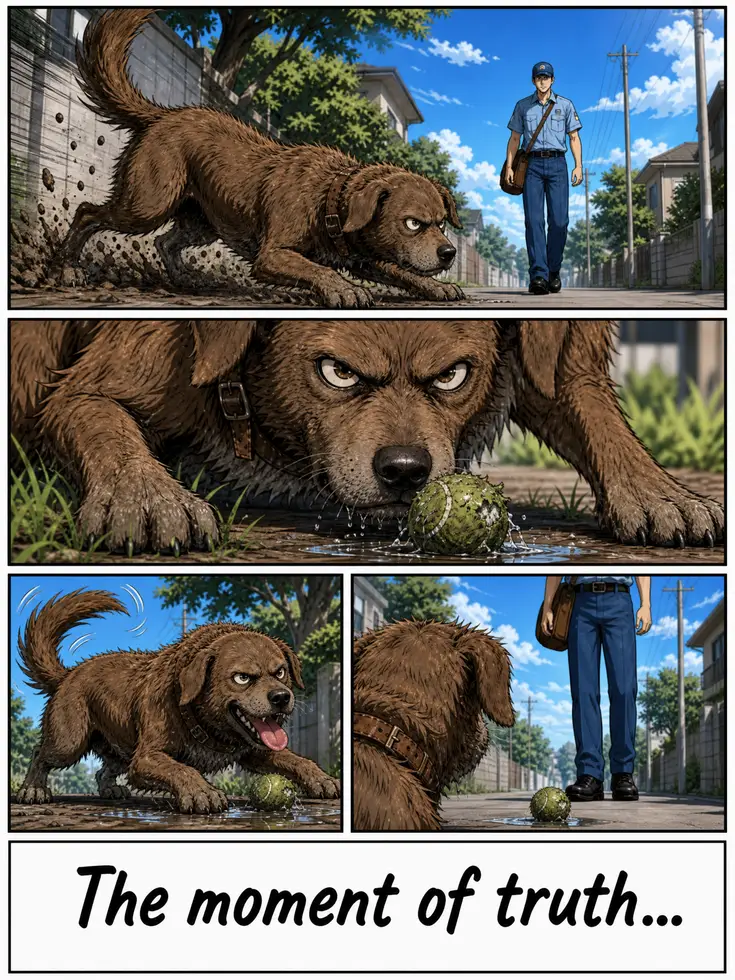
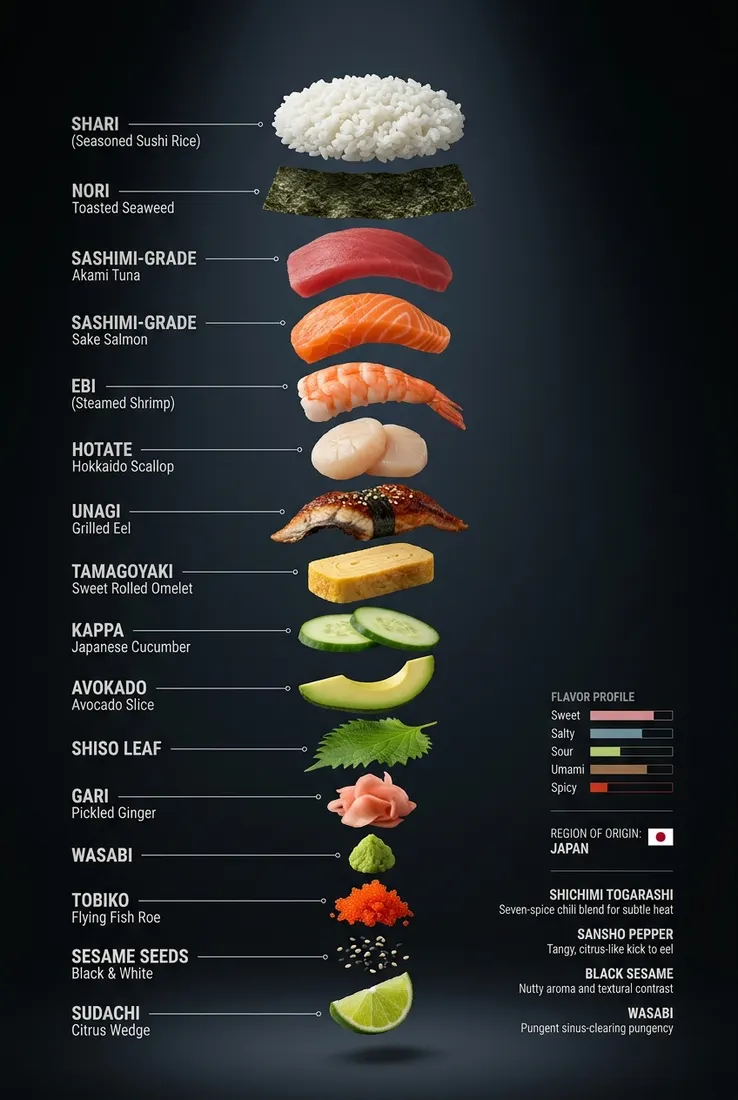
Promly offers 14 purpose-built Kits, each a simple form for one creative output: People (identity-true portraits), Character (one reference sheet, the same face in every Kit), Stage (styled scenes), Story (four-panel narratives), Storyboard (frame-by-frame shots), Comic (full comic pages), Sticker (die-cut packs), Infographic (visual posters), Direct (multi-model comparison), Edit (one-sentence photo edits), Fusion (subject + style transfer), Describe (the prompt behind any image), Reel (your images cut into a video), and Animate (any image → a 5 to 30-second video with FLUX 3 Video or Seedance 2.5). Most images are ready in under a minute.
Generate it. Edit it. Ship it.
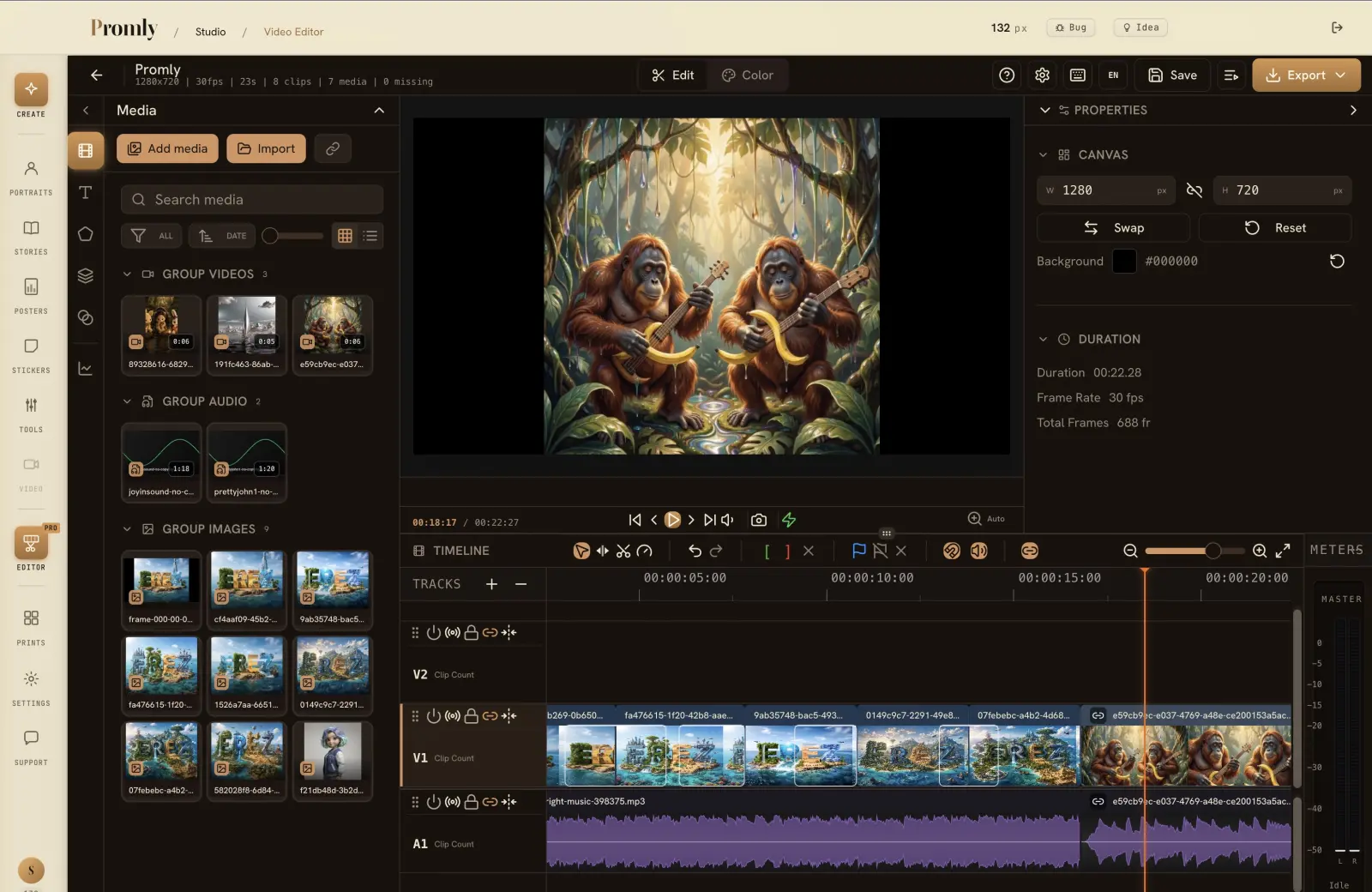
Drop your images and clips straight into Promly's built-in video editor — timeline, trims, transitions, audio, and export. Finish your reels and videos without ever leaving.
Fourteen models. Five tiers.
From 1 Pixel (fast) to 5 Pixels (premium). Or compare them all with Direct.
Buy Pixels when you need them.
Every Kit, every model and every style is on every account — the free one included. A Pixel is what a picture costs. Buy a pack when you run low, or take a monthly bundle.
- Free, 15 Pixels: images from any of the 14 Kits, on any of the 14 models.
- Video (Animate): any paid plan, or a Pixel pack.
- Video Editor: free for everyone, the free plan included.
- Describe (image → prompt): every account. Its style variants are Studio.
- Custom context in every prompt: Pro and Studio.
- What a generation costs: 1–5 Pixels, by model and by how many images you ask for; a video clip is priced by its length.
- Every Kit, every model, every style
- Video clips (Animate)
- Valid 12 months
- Every Kit, every model, every style
- Video clips (Animate)
- Valid 12 months
- Every Kit, every model, every style
- Video clips (Animate)
- Valid 12 months · best value
Prefer a monthly bundle? Starter $7 · Pro $16 · Studio $36 a month — see the plans
- All models and styles
- Video clips (Animate)
- Email support
- Everything in Starter
- Custom context in every prompt
- History kept 90 days
- Everything in Pro
- Describe style variants
- History kept forever
Start free with 15 Pixels — no credit card · Video with any pack or plan · Describe on every account
Members save on Pixel packs — 10% on Starter, 15% on Pro, 20% on Studio
Pixels stay valid 12 months · Plans are chosen inside your account · Cancel anytime
Frequently asked
What is Promly?
Promly is an AI Production Studio at promly.ai for creating images, video, and reels. Instead of writing complex prompts, you fill in a simple Kit form, pick an AI model, and Promly builds the model-ready prompt for you. It runs in your browser — nothing to install.
Is Promly free to use?
Yes — Promly is free to start. Every new account gets 15 Pixels (the credit unit) on sign-up, with no credit card required. For heavier use, paid Pixel subscription tiers and one-time top-up packs are available.
Do I need to know how to write prompts?
No. Promly is built for people who don't want to engineer prompts. Each Kit gives you a friendly form — you describe your idea in plain words, and the studio turns it into a model-ready prompt behind the scenes.
What can I create with Promly?
Promly has fourteen creative Kits: People for portraits, Stage for styled scenes, Story for four-panel narratives, Storyboard for frame-by-frame planning, Comic for full comic pages, Sticker for sticker packs, Infographic for visual posters, Direct to compare many models at once, Edit to change a photo with one sentence, Fusion to apply any style to your subject, Describe to get the prompt behind any image, and Animate to turn a still into video.
Which AI models does Promly use?
Promly connects to about a dozen AI image and video models from Google, OpenAI, Black Forest Labs (FLUX), and Recraft. You can choose a model for each generation, or use the Direct Kit to run one prompt across several models and compare the results side by side.
Can Promly generate Hebrew text inside images?
Yes. Native Hebrew text-in-image generation is built in, so you can create images containing accurate Hebrew lettering — something most AI image tools handle poorly. The Promly interface itself is in English.
How long does it take Promly to generate an image?
Most images are ready in under a minute. Across the last month of Studio generations, a typical image took about 40–50 seconds from clicking Generate to a finished result, depending on the model and resolution you choose.
Can Promly make videos?
Yes. The Animate Kit turns any image into a 5 to 30-second video clip with sound — no prompt to write, or describe the video in your own words and Promly writes the prompt for you. Choose Animate for gentle motion (FLUX 3 Video by Black Forest Labs, 8 Pixels per clip) or a cinematic camera move — Orbit, Push in or Reveal (Seedance 2.5 by ByteDance, 20 Pixels per clip). Dream mode makes a clip from two chips with no image at all. Video is for paid accounts — any plan, or a Pixel pack.
Which AI video models does Promly use?
Two, and the model name is always shown next to the price: FLUX 3 Video by Black Forest Labs (draft HD, image-to-video and text-to-video, native audio) and Seedance 2.5 by ByteDance (720p image-to-video with true camera orbits). Clips are AI-generated; FLUX 3 clips carry C2PA Content Credentials, which Promly keeps intact.
Can I edit videos in Promly?
Yes. Promly includes a built-in video editor, free for everyone — a multi-track timeline with trims, splits, transitions, and audio layers, plus direct export. You can drop generated images and clips straight from the Studio into the editor and finish a reel without leaving the browser.
Create your first image.
15 Pixels free on sign-up — no credit card required.
15 Pixels · 14 Kits · 14 models · No credit card