AI Sticker Maker — Make a WhatsApp Sticker Pack Without Prompts
Turn a photo or a plain-English idea into a clean, transparent-background sticker pack for WhatsApp and Telegram. No prompt writing — describe what you want, pick a style, and Promly builds the pack.
No credit card · 15 Pixels free on sign-up
How it works
Three steps, zero prompt syntax
Describe your sticker
“My dog as a happy cartoon, waving.” Plain words — no syntax, no blank prompt box to stare at.
Pick a pack
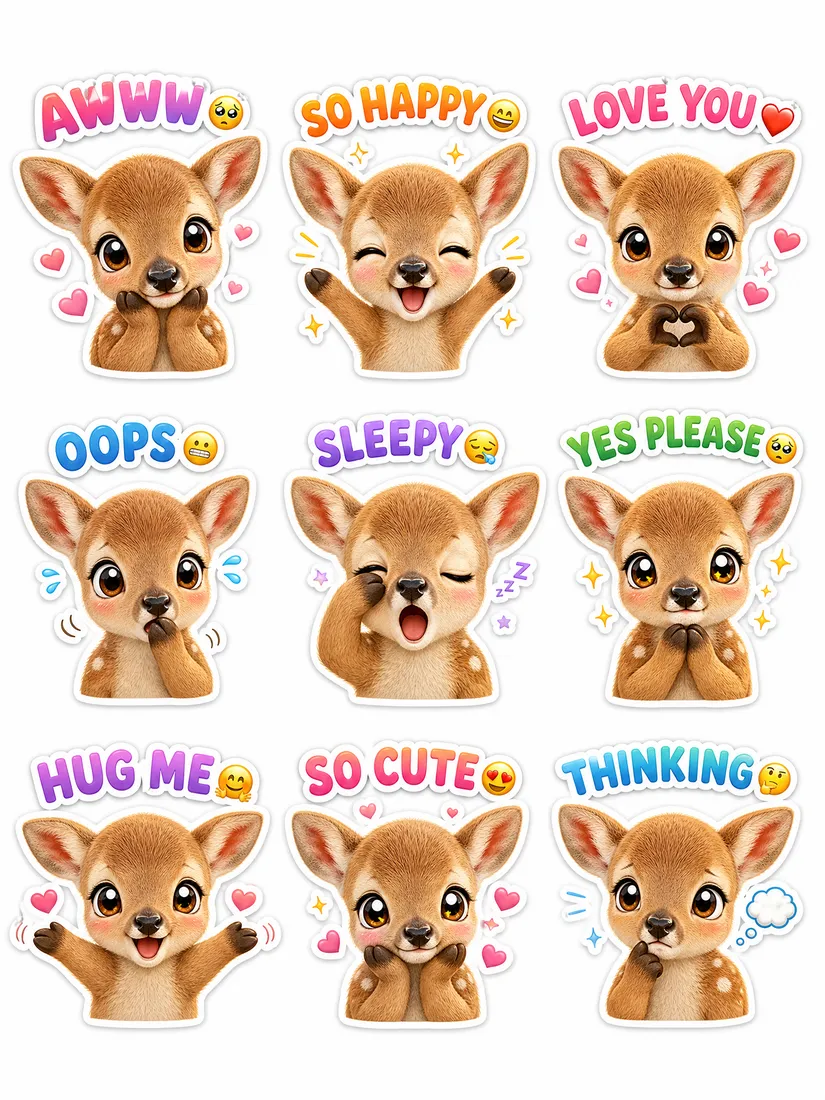
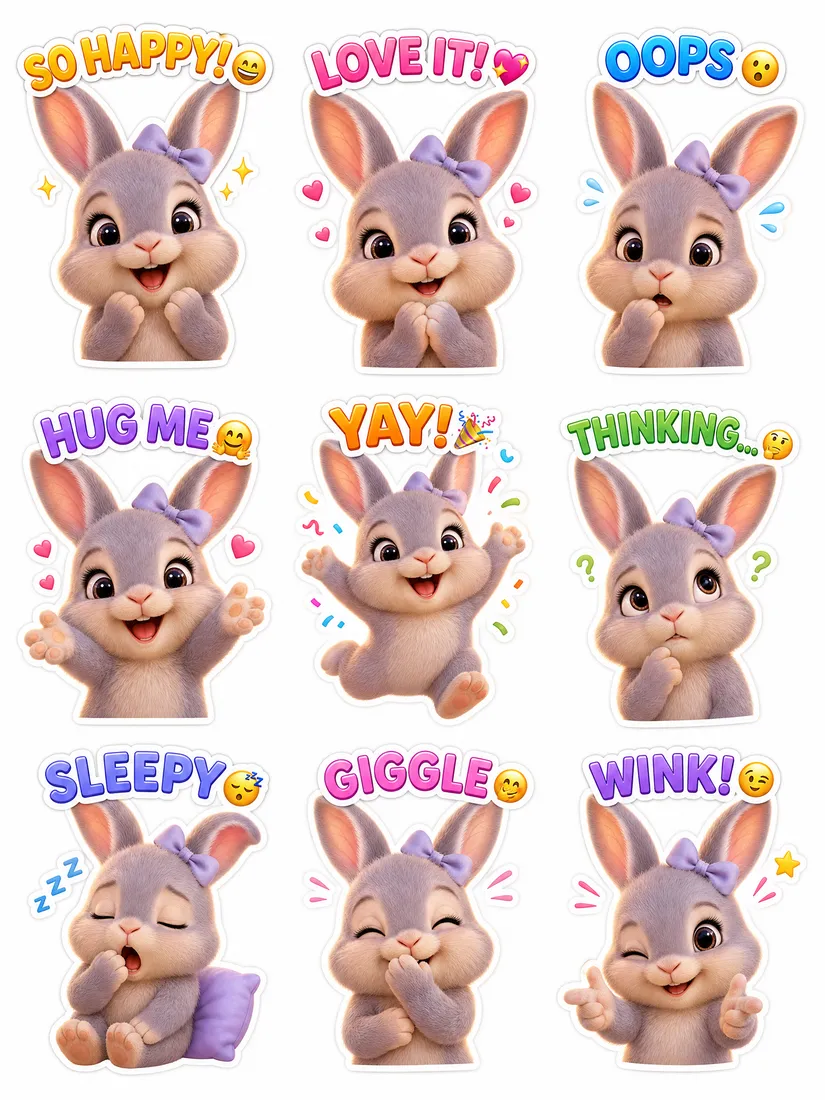
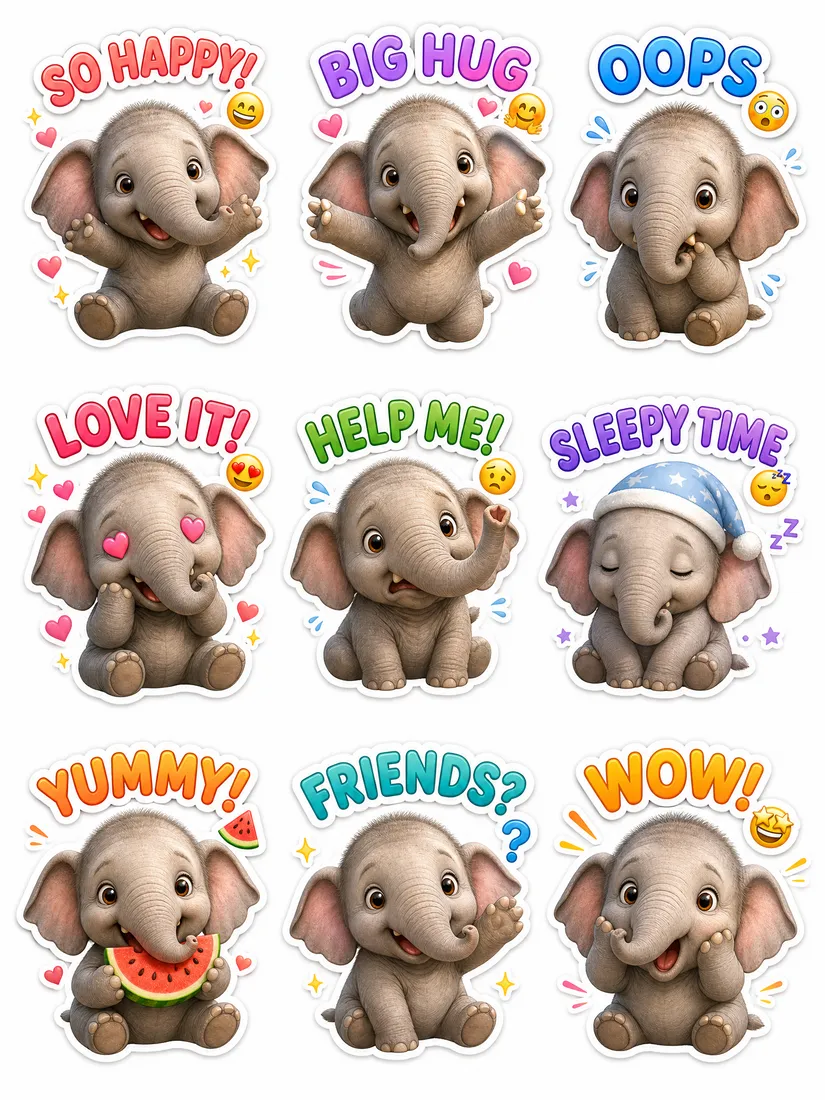
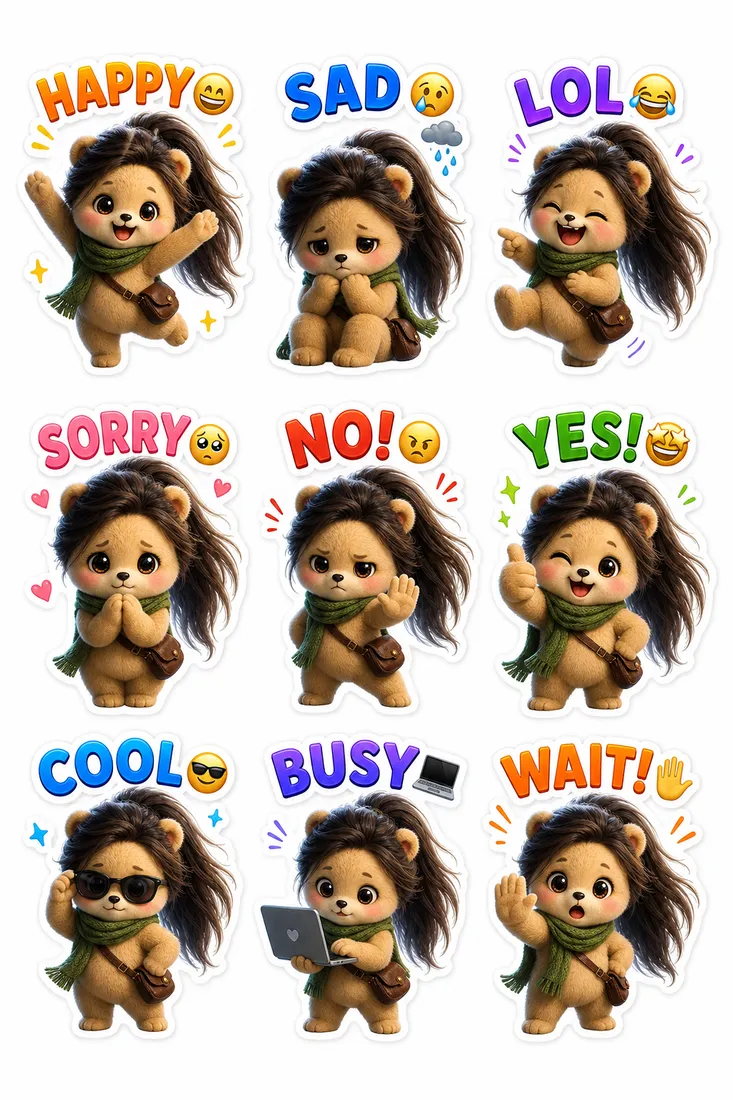
Promly generates a sheet of matching poses with clean, transparent backgrounds — the same character in every one.
Send it
Download the pack and add it straight to WhatsApp or Telegram. Share it in any chat in seconds.
Why people use it
Sticker packs that actually look like a set
- No prompt skills needed. Describe it like you'd tell a friend — Promly's Sticker Kit handles the prompt engineering behind the scenes.
- Transparent backgrounds. Stickers come out drop-in ready for WhatsApp, Telegram, and iMessage.
- One consistent character. The same subject across every pose — not a random new face on each sticker.
- Start from a photo or an idea. Upload a picture or just describe the character in plain language.
- Free to start. 15 Pixels on sign-up, no credit card — enough to make your first pack.
- Any style, in plain words. Cartoon, cute/chibi, bold outline, watercolour — just say the look you want.
FAQ
Frequently asked questions
Do I need to know how to write prompts?
No — that's the whole point of Promly. You describe your sticker idea in plain English and the Sticker Kit builds the prompt for you. There's no prompt syntax to learn.
Can I make stickers for WhatsApp?
Yes. Promly outputs transparent-background stickers sized for WhatsApp and Telegram. Download the pack and import it into your chat app — no extra editing needed. See our step-by-step guide: how to make a WhatsApp sticker pack from a photo.
Can I use my own photo?
Yes. Start from a photo or from a description. Promly keeps the subject consistent across the whole pack, so every pose looks like the same character.
Is it free?
You get 15 Pixels free when you sign up, with no credit card. That's enough to make your first sticker pack right away. Paid plans are available when you want more.
What styles can I make?
Cartoon, cute/chibi, bold-outline, watercolour, pixel-art and more. Just name the style in plain words and Promly applies it across the pack.
Make your first sticker pack free
Describe it in plain English, pick a style, and get a transparent-background pack for WhatsApp and Telegram. 15 Pixels on sign-up — no credit card.
Start free · 15 PixelsExplore more
Other ways to create with Promly
Guide: Make a WhatsApp sticker pack · AI Story Generator · AI Photo Variations Generator · AI Typography Generator · AI Reel Maker · AI Comic Generator · Compare AI Image Models · AI Portrait Generator · AI Infographic Generator · AI Storyboard Generator · Community gallery