Guide · Sticker Kit
How to Make a WhatsApp Sticker Pack From a Photo — No Prompts Needed
Custom WhatsApp stickers used to mean design software or fiddly prompt-writing. With Promly you describe what you want in plain English — or upload a photo — pick a style, and get a clean, transparent-background pack ready to drop into WhatsApp or Telegram. Here's exactly how, start to finish.
What you'll need
Making a sticker pack with Promly takes about two minutes. Before you start, have these ready:
- A photo or an idea. Either a clear picture of the subject (a pet, a friend, yourself) or just a sentence describing the character you want.
- A free Promly account. You get 15 Pixels when you sign up — no credit card — which is enough to make your first pack.
- No design skills and no prompt skills. That's the whole point. Promly's Sticker Kit handles the prompt engineering for you behind the scenes.
Make a WhatsApp sticker pack in 5 steps
Here is the full process from a blank screen to a pack inside your chat app.
Open the Sticker Kit
Sign in to Promly and choose the Sticker Kit. It's a simple form — there's no blank prompt box to stare at and no syntax to learn.
Describe your character — or upload a photo
Type what you want in plain words, like "my golden retriever as a happy cartoon, waving." Or upload a photo and let Promly build the character from it. Keep it to one clear subject for the cleanest results.
Pick a style
Choose the look in plain language — cartoon, cute/chibi, bold-outline, watercolour, pixel-art and more. The style is applied consistently across every sticker so the pack feels like a real set.
Generate the pack
Promly creates a sheet of matching poses — the same character in each one — with clean, transparent backgrounds. You get a range of expressions (happy, love, hug, sleepy and so on) in a single run.
Download and add to WhatsApp or Telegram
Download the pack and import it into your chat app. The transparent backgrounds mean each sticker drops straight into a conversation — no extra cropping or editing.
Why "no prompts" makes better stickers
Most AI image tools hand you an empty prompt box and expect you to know the magic words. Get the wording wrong and you get a different face on every sticker, a busy background you can't use, or a style that drifts halfway through the pack.
Promly is built for people who don't want to learn prompt engineering. The Sticker Kit turns your plain-English description into a model-ready prompt for you — locking the character, forcing a transparent background, and keeping the style consistent across the whole sheet. You describe the idea; Promly handles the prompt.
The key difference: a sticker pack should look like one character in many moods — not a random new face on each sticker. Promly keeps the subject consistent across every pose, which is the hard part to get right by hand.
Real packs made with Promly
These were all generated from a short plain-English description — one consistent character, transparent backgrounds, ready for WhatsApp:
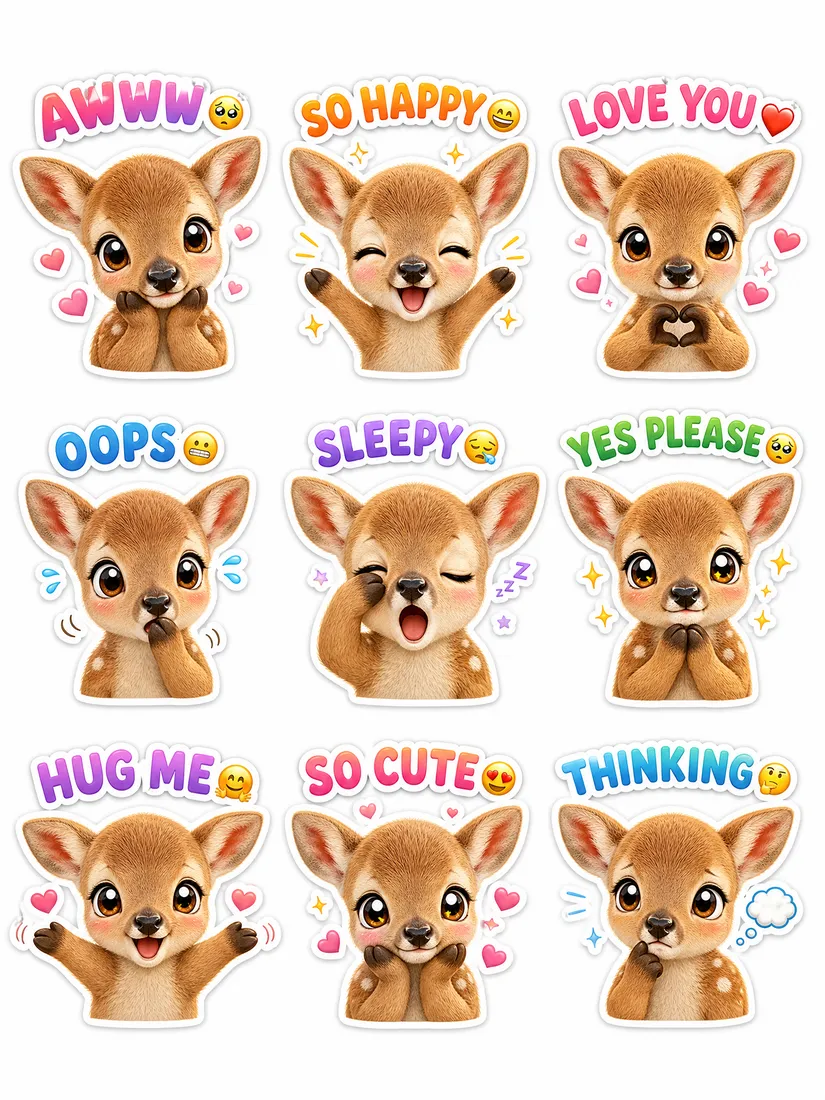
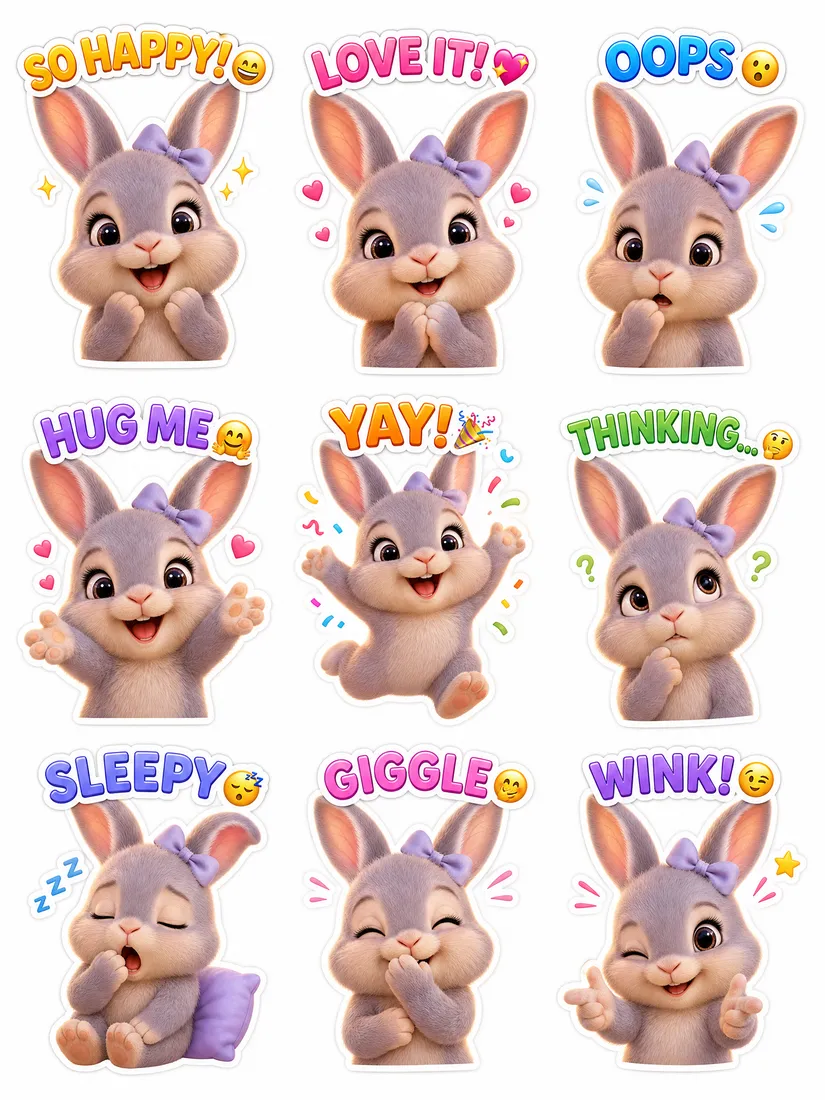
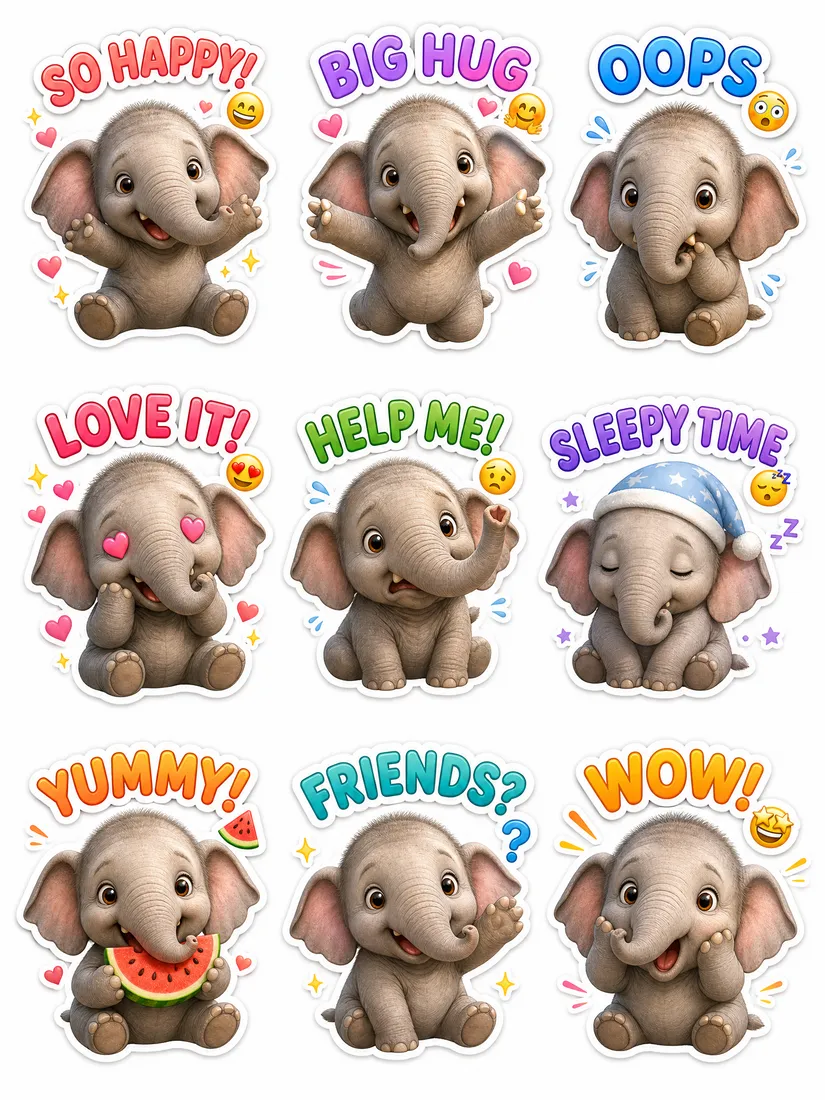
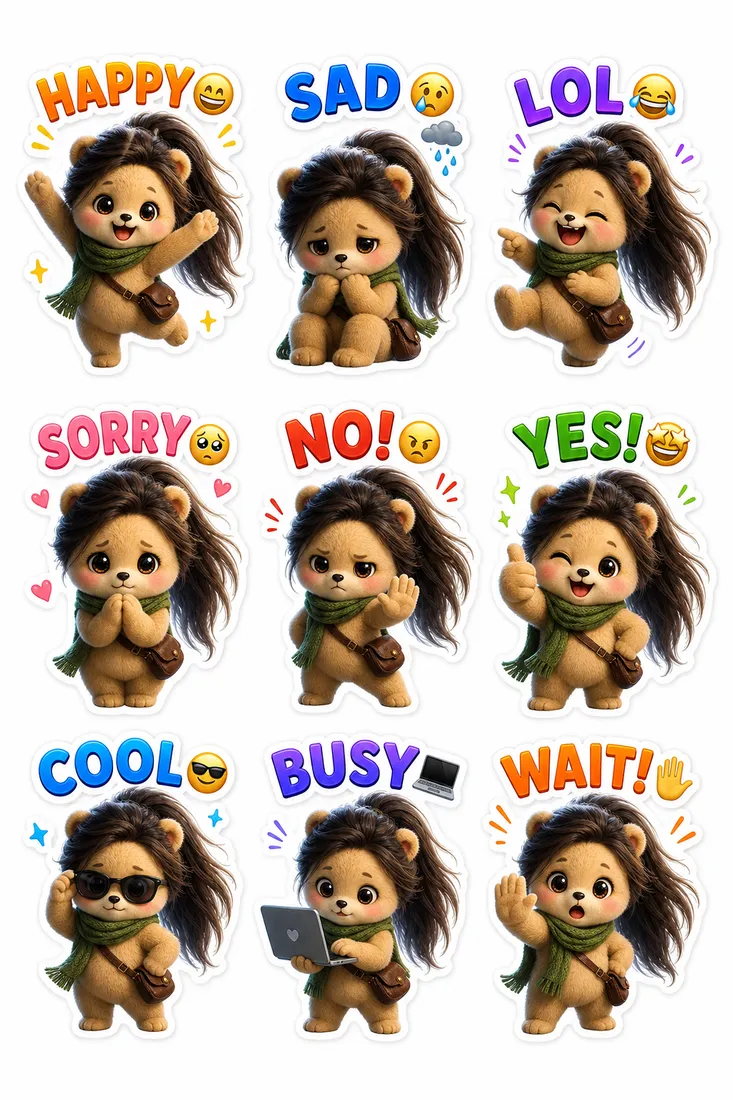
Each sheet is one run of the Sticker Kit · transparent backgrounds · WhatsApp & Telegram ready.
Tips for a better sticker pack
- Name the emotions you want. Add "happy, laughing, crying, love, thumbs-up" so the pack covers the reactions you'll actually send.
- Keep the subject simple. One character reads better at sticker size than a busy scene with lots of detail.
- Say the style in plain words. "Cute chibi cartoon" or "bold sticker outline" is enough — you don't need art-direction jargon.
- Start from a clear photo. If you're using a picture, a sharp, well-lit, front-facing shot gives the most recognisable result.
Adding the pack to WhatsApp and Telegram
WhatsApp: WhatsApp supports custom sticker packs through its sticker tray and third-party sticker apps. Because Promly exports clean transparent-background images, each sticker is ready to import without re-cropping.
Telegram: Telegram lets you build a pack directly with its @Stickers bot — send your transparent stickers to the bot, give the pack a name, and it generates a shareable link you can add in a tap.