Guide · People Kit
How to Make AI Headshots & Portraits From a Photo — No Prompts
A professional headshot used to mean a studio booking. Now you can make polished AI headshots and portraits from a photo you already have — the same recognisable you, in any setting or style. No prompt writing: you describe the look, and Promly's People Kit does the rest. Here's how.
What you'll need
Making AI headshots with Promly takes a few minutes. Have these ready:
- A clear photo of yourself. A sharp, well-lit, front-facing picture gives the most recognisable result. (You can also start from a description instead.)
- A free Promly account. You get 15 Pixels on sign-up — no credit card — enough for your first set of portraits.
- No prompt skills and no editing software. Promly's People Kit handles the prompt engineering for you.
Make your AI headshots in 5 steps
From a single photo to a set of polished portraits:
Open the People Kit
Sign in to Promly and choose the People Kit. It's a simple form — no blank prompt box, no syntax to learn.
Upload your photo
Add a clear photo of yourself so Promly can keep your likeness. Prefer not to use a photo? Describe the person in plain words instead.
Describe the look
Say what you want in plain language — "a clean studio headshot in a dark suit," "an outdoor portrait at golden hour," "a confident profile photo." No art-direction jargon needed.
Generate your portraits
Promly creates polished portraits that keep the same face and identity — so every shot still looks like you, just in a new setting or style.
Download and use them
Pick your favourites and download. Use them for a LinkedIn photo, a website, a profile, or a press shot — wherever you need a clean headshot.
Why "no prompts" makes better headshots
The usual problem with AI portraits is consistency: prompt each image separately and you get a slightly different face every time — a stranger who only half looks like you. Getting one consistent identity across a set is the hard part to do by hand.
Promly's People Kit is built around your identity. You give it a photo and describe the look; it handles the prompting and keeps your face consistent across every portrait — a studio headshot, a city backdrop, a cinematic scene — all unmistakably you.
The key difference: a good portrait set is the same person in many looks — not a new face each time. Because the People Kit anchors your identity, your headshots stay recognisably you from shot to shot.
Portraits made with Promly
These are the same person, generated across four different settings — one consistent identity, in a studio-quality finish:
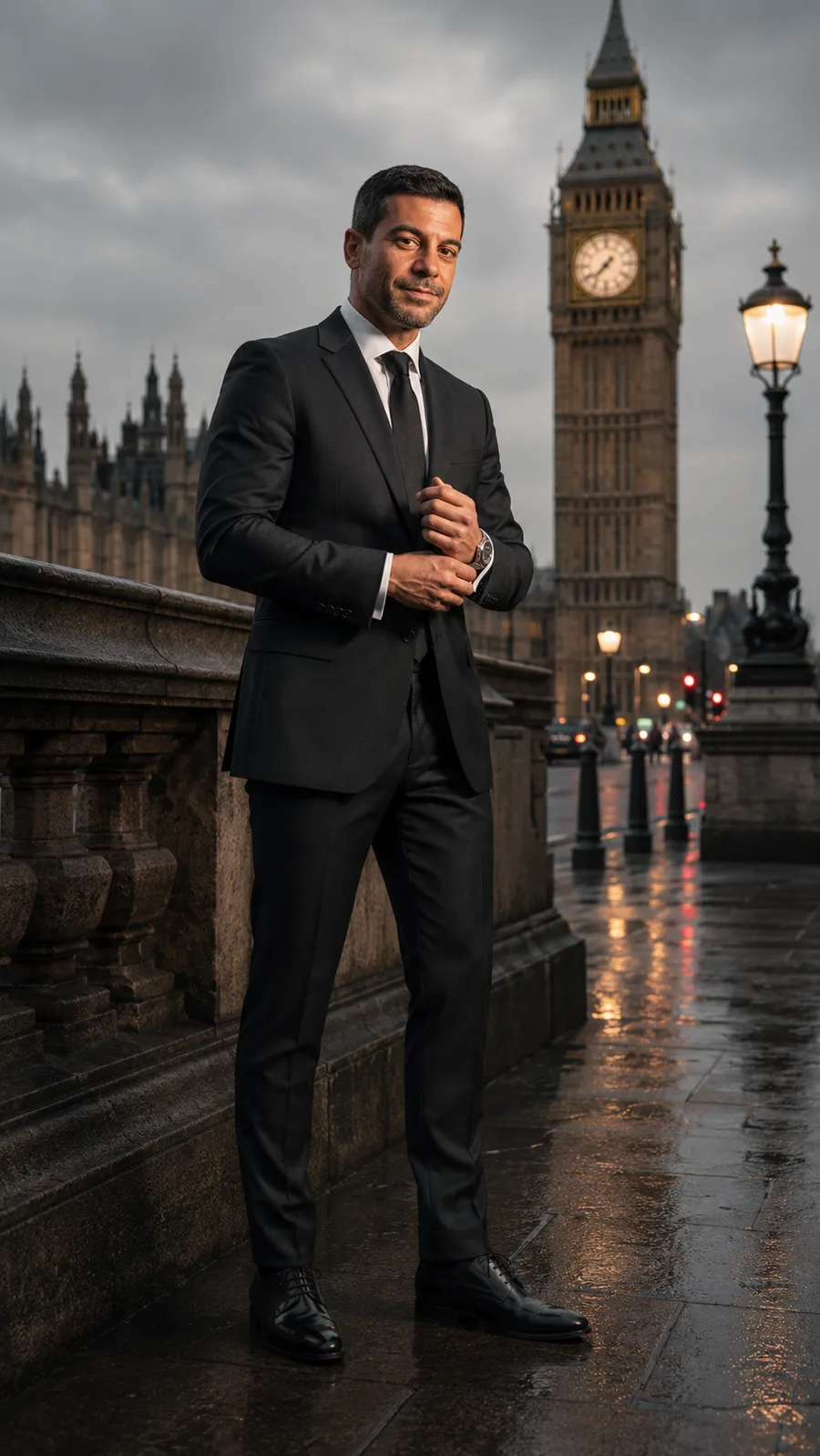
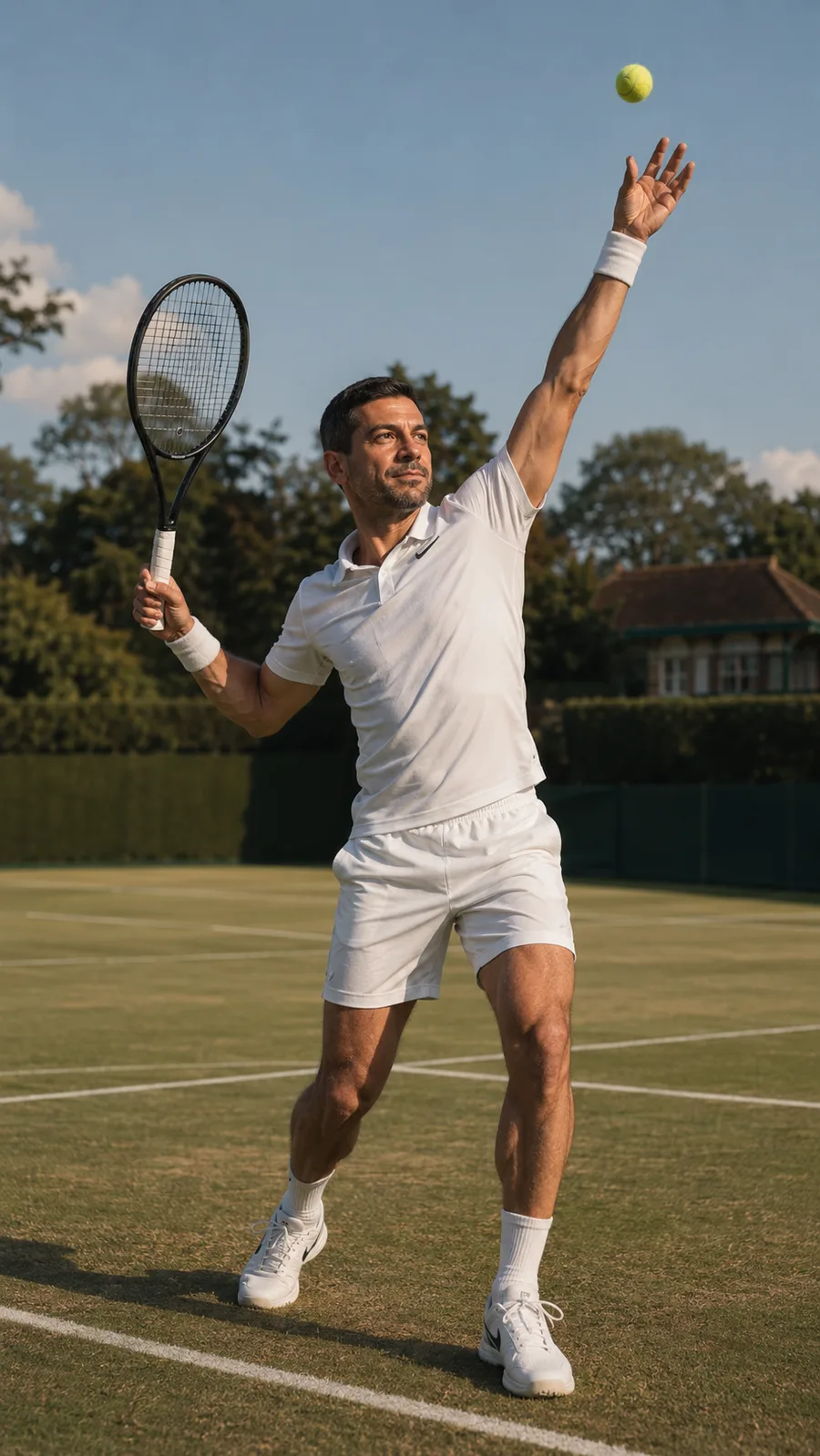
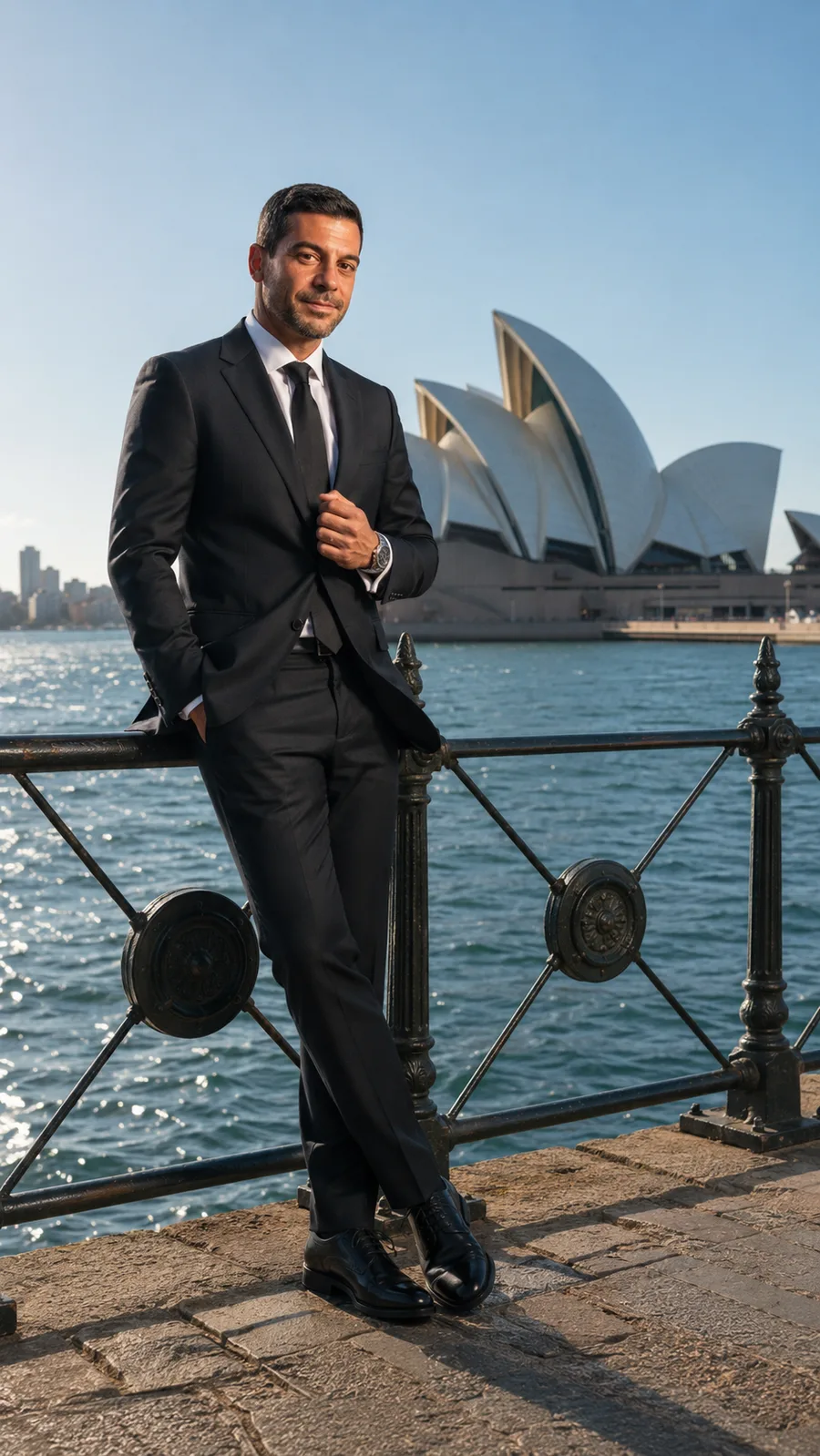
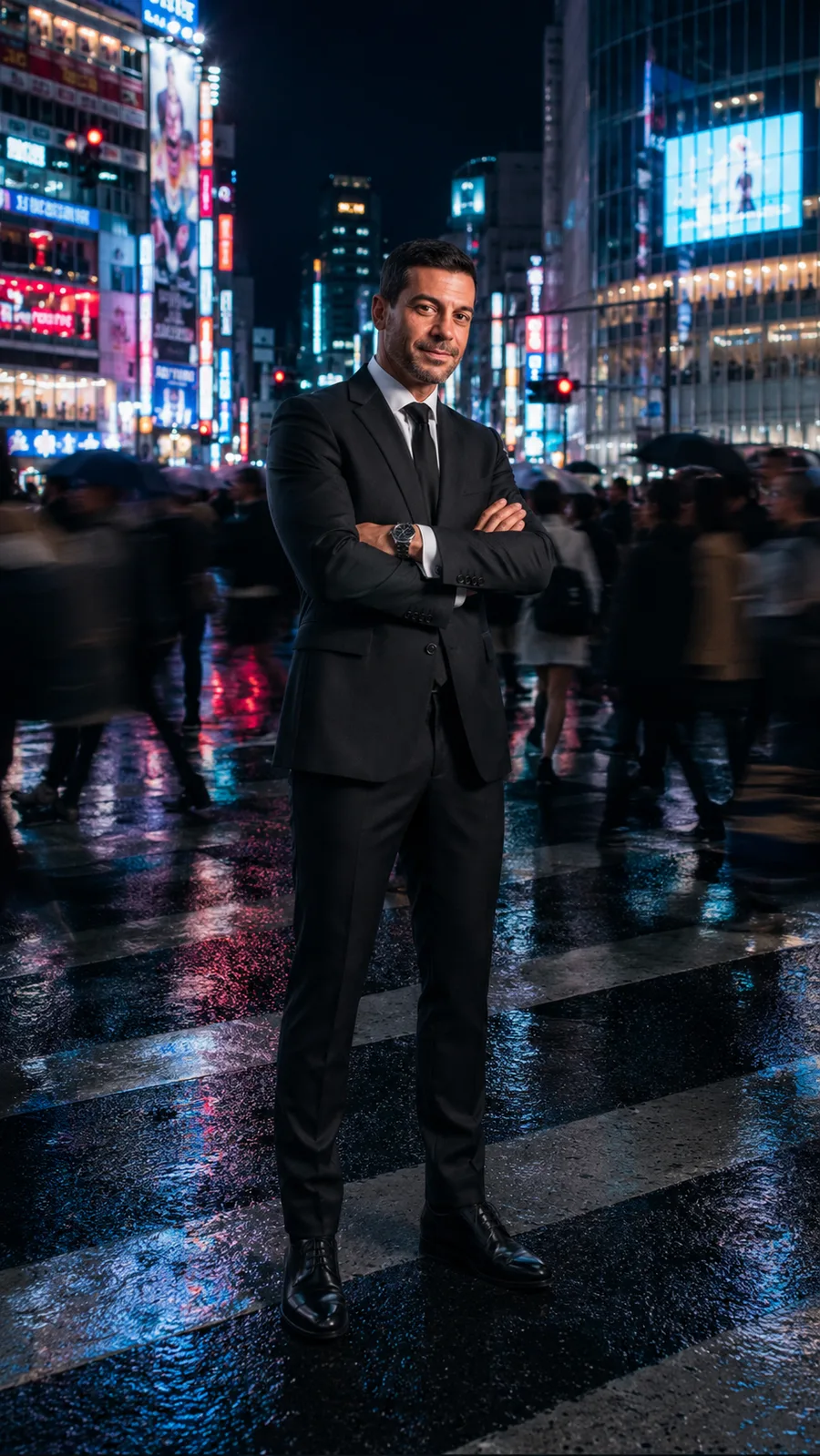
One identity · four settings · studio-quality finish — all from a plain-English description.
Tips for better AI headshots
- Start from a sharp, front-facing photo. Good light and a clear face give Promly the most to work with.
- Say the setting and mood. "Neutral studio background," "warm office," "outdoor, soft light" — small cues shape the whole portrait.
- Describe the wardrobe. A suit, a smart-casual look, a specific colour — name it and Promly applies it.
- Generate a few and pick. Make a small set and choose the strongest — it's cheaper than a reshoot and faster than a studio.
What AI headshots are great for
A consistent set of portraits is useful well beyond a profile photo: a LinkedIn or company "team" page, a personal website or portfolio, a speaker or press headshot, a podcast cover, or a matching set of avatars across your socials. Make a sticker pack of yourself too, if you like — same plain-English approach, no prompts.