Guide · Infographic Kit
How to Make an Infographic With AI — No Design Skills Needed
An infographic usually means hours in a design tool, researching facts and nudging boxes around. With Promly you give a topic — "how engines work," "one day in Amsterdam" — and it writes the content and designs a finished poster for you. No prompts, no design software. Here's how.
What you'll need
- A topic, person or place. A subject to explain ("the water cycle"), a destination ("one day in Amsterdam"), or a person's life story.
- A free Promly account. 15 Pixels on sign-up, no credit card — enough for your first poster.
- No design or writing skills. Promly drafts the content and lays it out for you.
Make an infographic in 5 steps
Open the Infographic Kit
Sign in to Promly and choose the Infographic Kit. A simple form — no prompt box, no design canvas.
Pick the type
Educational explainer, travel or city guide, life story, or tribute. The type shapes how the poster is organised.
Give it a topic
Type the subject in plain words and add any details you want included. That's the only input it needs.
Pick a style
Choose the look in plain language — clean and modern, vintage, bold and colourful. Promly applies it across the poster.
Generate & download
Promly writes the facts, organises them into sections, and renders a finished poster you can download and share.
Why "no prompts" makes infographics easy
Two things make infographics hard: gathering and writing the content, and laying it out so it reads clearly. Most AI image tools help with neither — you still write every word and fight a blank canvas.
Promly's Infographic Kit does both. Give it a topic and it drafts the content for you — the facts, steps and captions — then designs a structured poster with clear sections, headings and icons. You bring the subject; Promly brings the writing and the layout.
The shortcut: you don't start from a blank page. Name a topic and you get a complete, organised poster back — then refine if you want.
Infographics made with Promly
Each of these started from a single plain-English topic — Promly wrote the content and designed the layout:
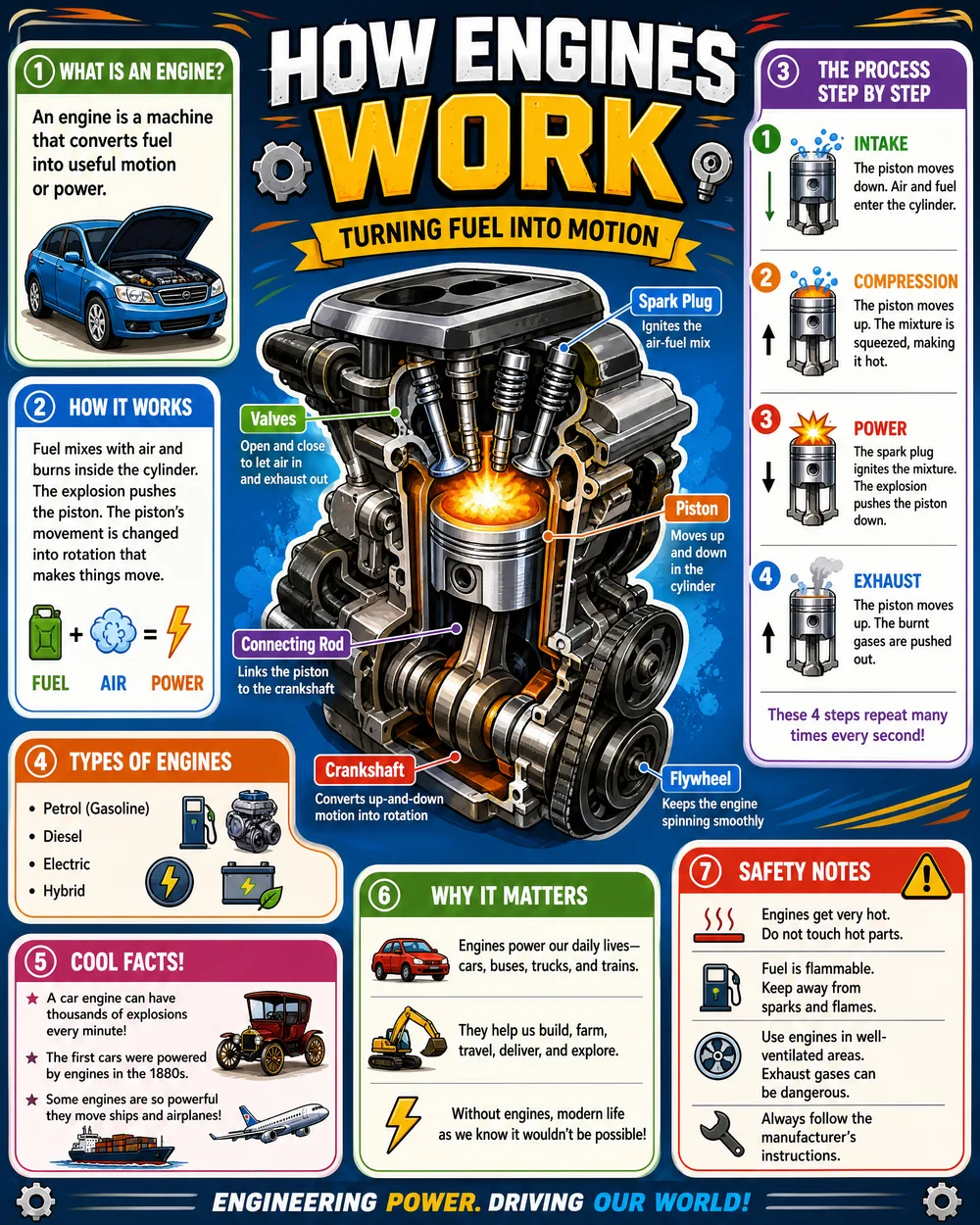
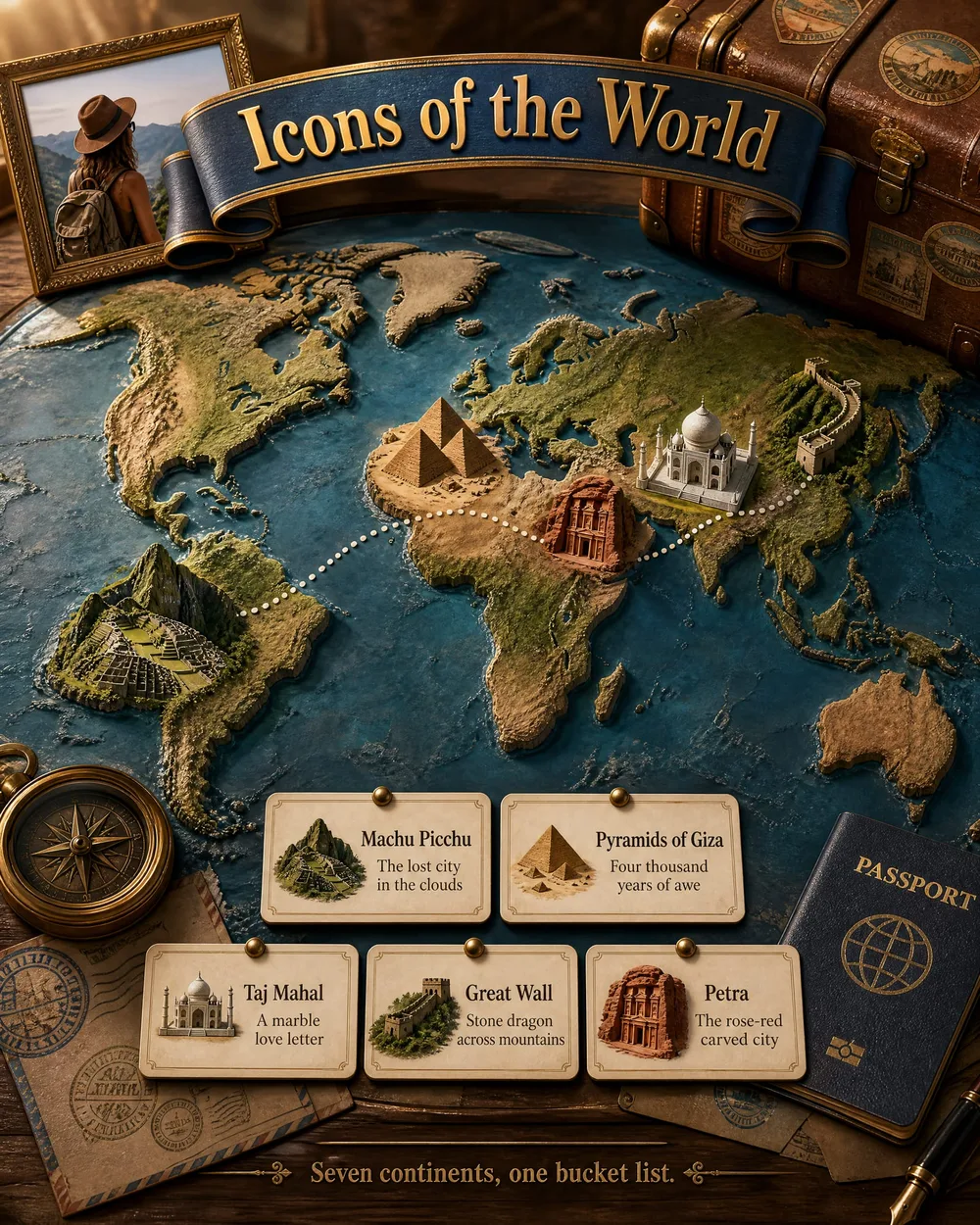
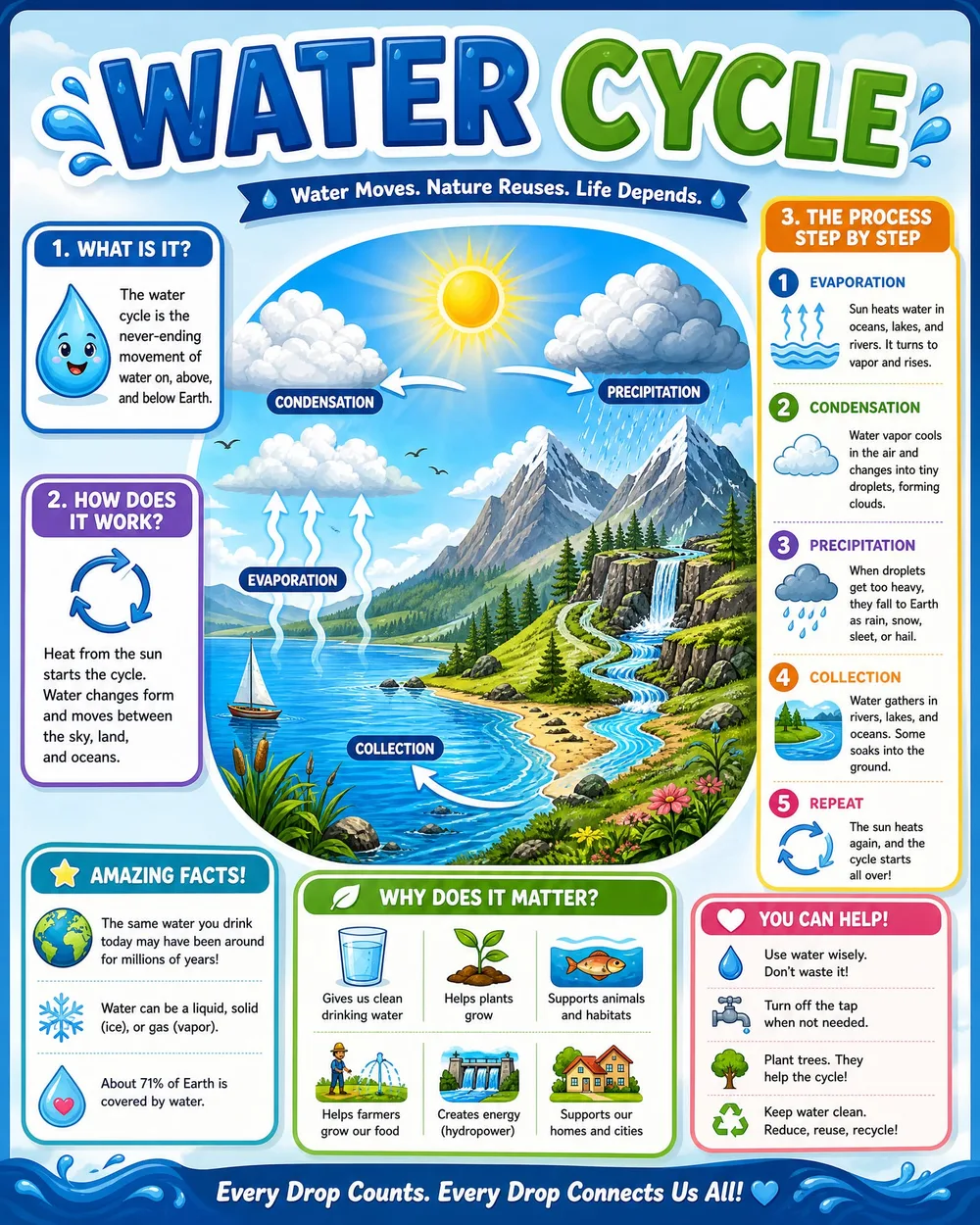
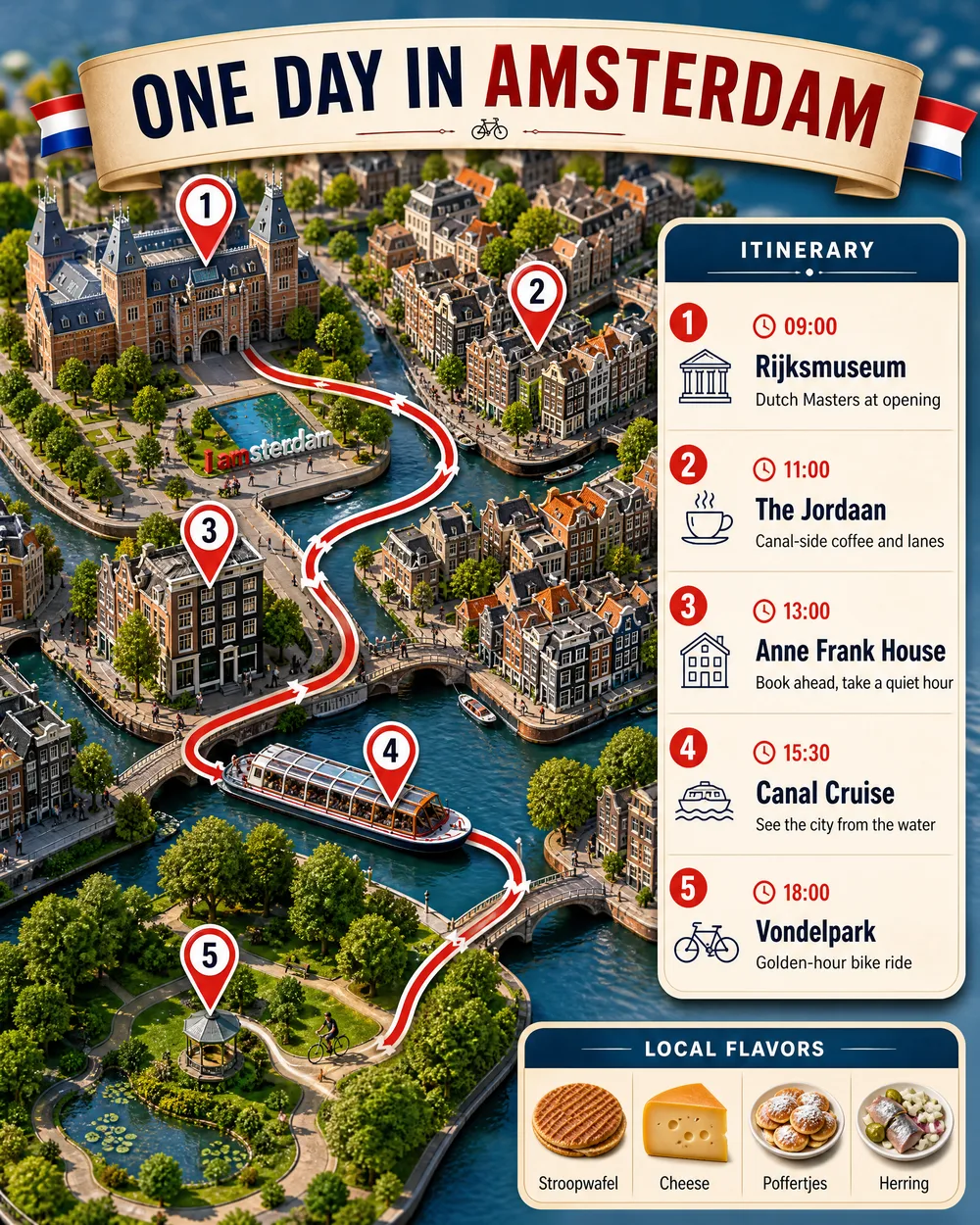
Educational · travel · city guide — each from one topic, content written and designed by Promly.
Tips for a better infographic
- Be specific with the topic. "How a four-stroke engine works" gives a sharper poster than just "engines."
- Pick the right type. A city guide format suits a destination; an educational format suits an explainer.
- Add the must-include details. Names, dates or stops you want on the poster — mention them and Promly works them in.
- Generate a couple and choose. A second pass often lands the layout you want.
What AI infographics are great for
School and study explainers, travel and trip guides, a tribute or life-story poster for someone special, a social post that teaches something, or a quick visual summary of a topic. Want to teach a story instead? Try the AI comic generator — same plain-English approach.