Guide · Comic Kit
How to Make a Comic With AI — Turn Your Story Into a Comic Page
You don't need to draw, and you don't need to write prompts. Give Promly a story — even a single sentence — pick a style, and it generates a complete comic page: panels, artwork, and speech. Here's how to go from an idea to a finished page.
What you'll need
Making a comic with Promly takes a few minutes. Here's all it takes to start:
- A story or an idea. A full short story, a scene, or even one line like "a penguin decides today is the day he learns to fly."
- A free Promly account. You get 15 Pixels on sign-up — no credit card — enough to make your first comic.
- No drawing and no prompt skills. Promly's Comic Kit turns your words into a finished page for you.
Make a comic page in 5 steps
This is the whole process, from a blank page to a comic you can share.
Open the Comic Kit
Sign in to Promly and choose the Comic Kit. It's a simple form — no prompt box, no panel-by-panel setup to wrestle with.
Write your story
Type your story or idea in plain language. Promly reads the narrative and works out the beats — which moments become panels and how the page flows.
Pick a style
Choose the look in plain words — clean cartoon, manga, classic comic, watercolour and more. The style stays consistent across the whole page.
Generate the page
Promly generates a complete comic page in one go — multiple panels, consistent characters, and speech baked in. Need a longer story? Generate several pages in sequence.
Download and share
Download your page and share it anywhere — a chat, a post, or a printed strip. No editing software needed.
Why "no prompts" makes comics easier
Most AI image tools generate one picture at a time. To make a comic that way, you'd have to prompt each panel separately, then fight to keep the same character, style and colours across all of them — the part that almost never lines up by hand.
Promly's Comic Kit is built around the story, not the prompt. It reads your narrative, breaks it into panels for you, and renders a whole page at once so the character and style stay consistent from the first panel to the last. You write what happens; Promly handles the layout and the prompting.
The hard part it solves: keeping one character looking like the same character across every panel. Because Promly generates the full page together, your hero doesn't turn into a different face halfway down the strip.
A comic made with Promly
This four-page story was generated from a short plain-English prompt — one consistent character, speech included, in a clean cartoon style:
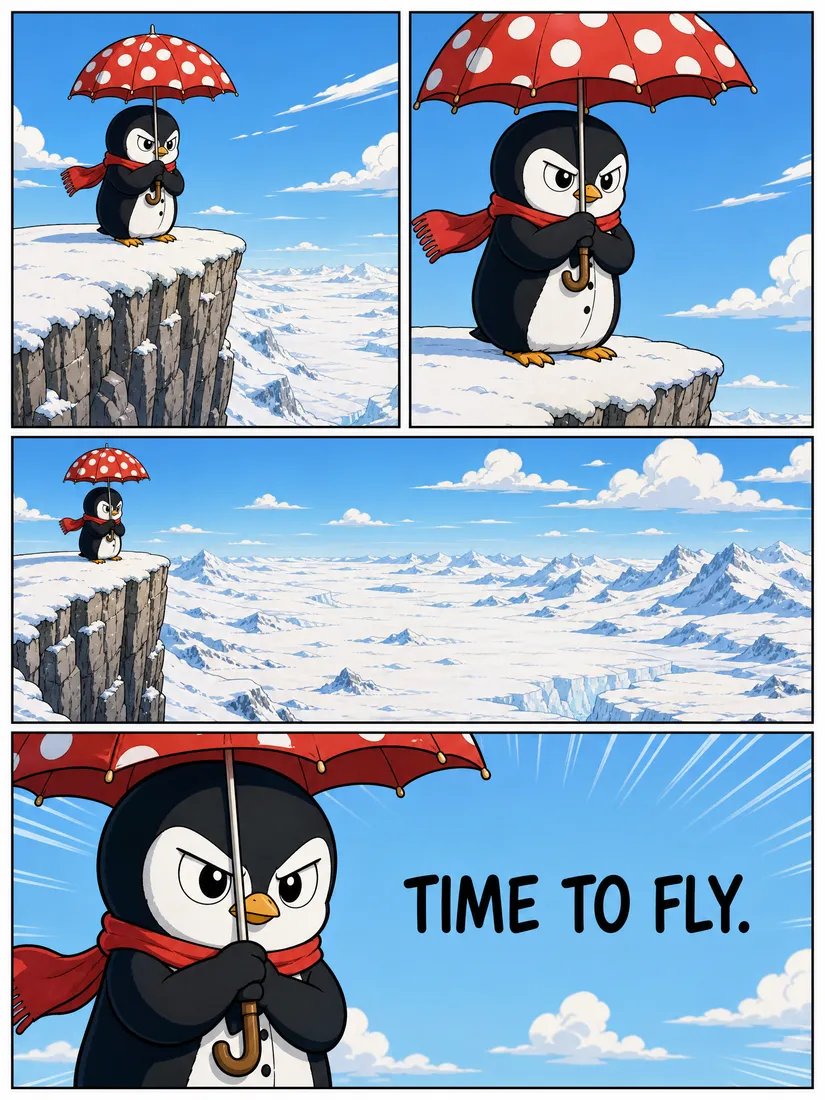
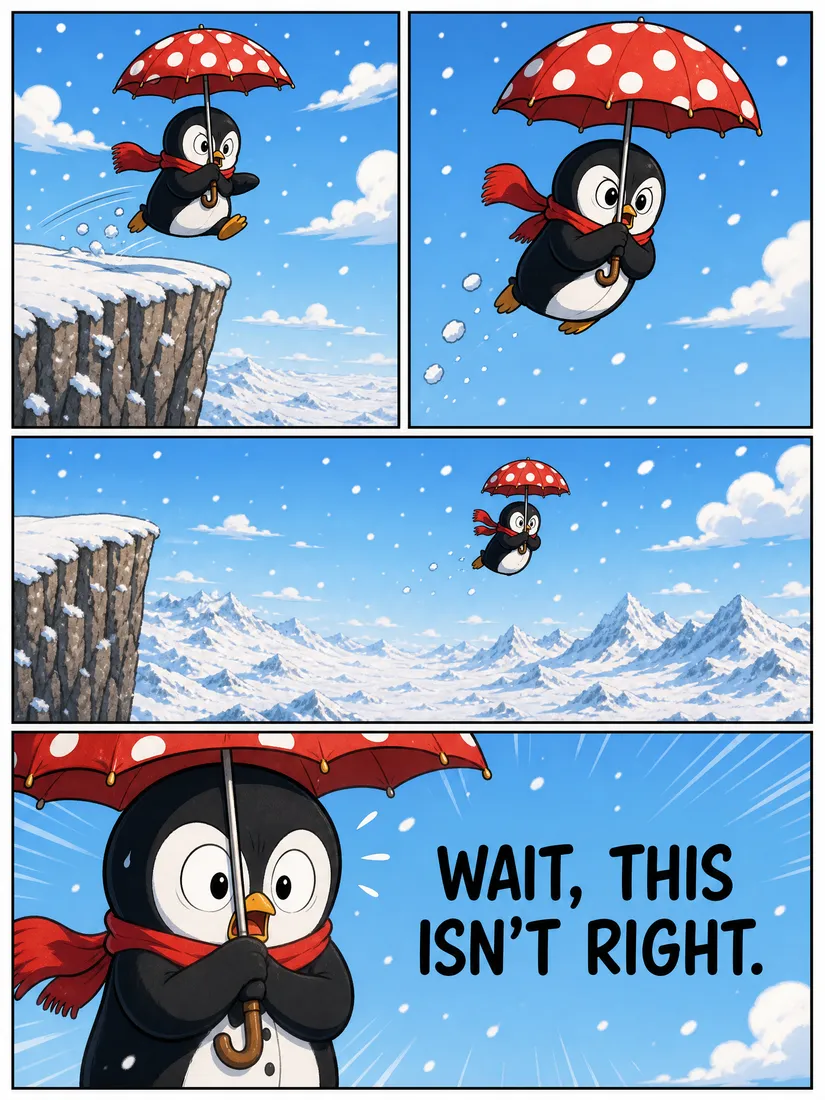
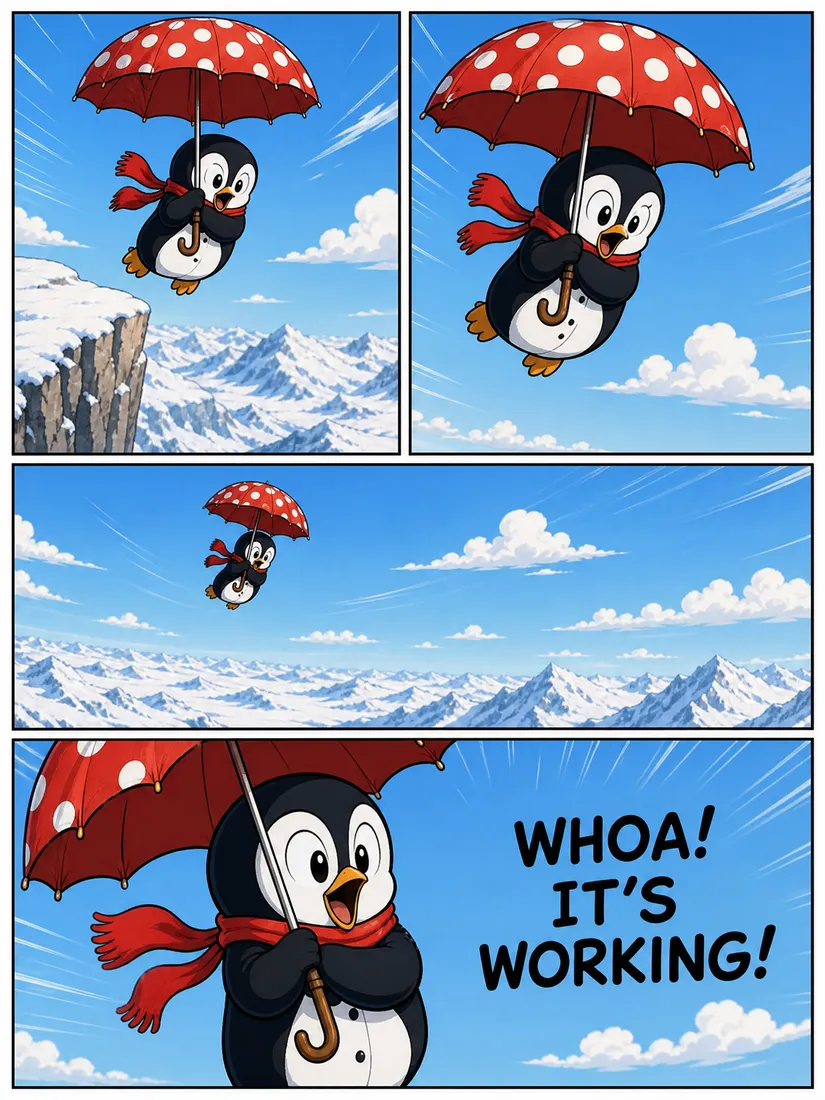
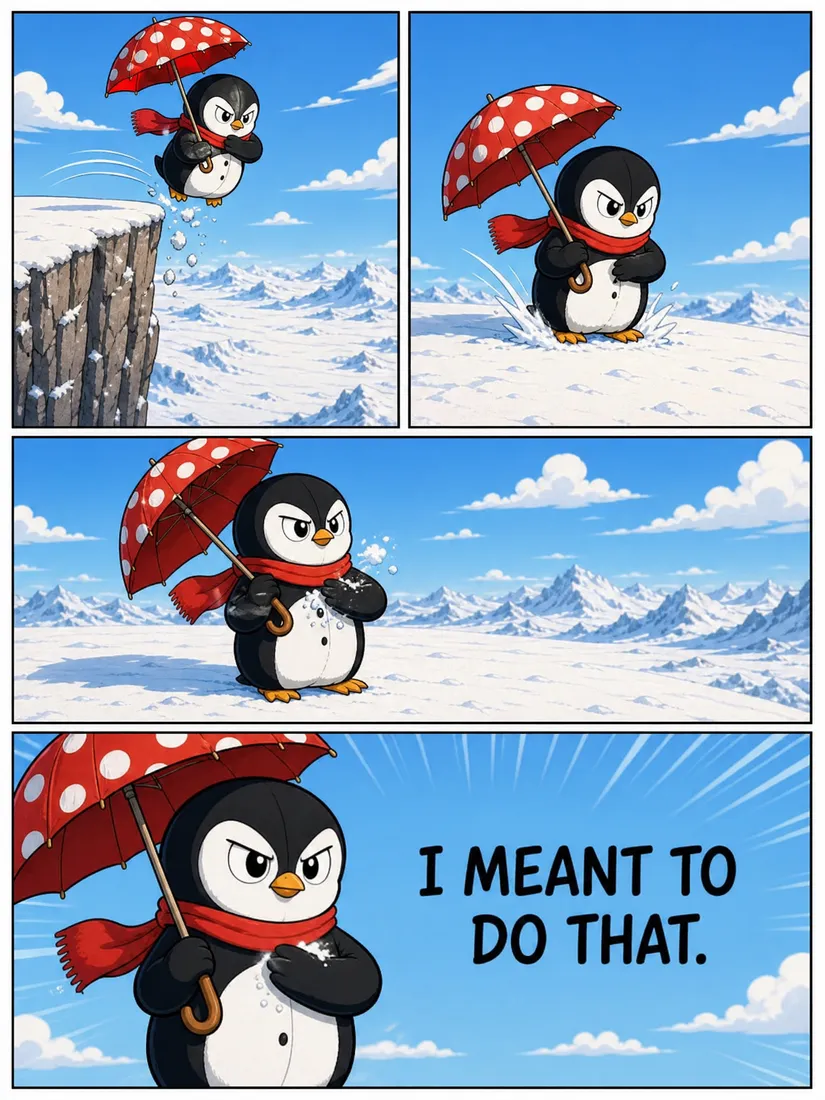
Four pages, one story · consistent character and style · speech generated in-panel.
Tips for a better comic
- Give it a beginning, middle and end. Even a tiny arc ("wants something → it goes wrong → it works out") gives the page a satisfying shape.
- Name your character once. A short description ("a small penguin in a red scarf") helps Promly keep them recognisable across panels.
- Keep dialogue short. A few punchy lines read better in a speech bubble than long paragraphs.
- Say the style plainly. "Clean cartoon" or "classic comic book" is enough — no art jargon required.
Comic Kit vs. a single panel
If you just want a 4-panel strip from one quick idea, Promly's Comic Kit handles it. If you want to make a matching set of stickers from the same character afterwards, you can do that too — same plain-English approach, no prompts.
Want every step, every button? The full Comic Kit tutorial walks through all 11 steps — including a copy-paste example story you can generate right now.